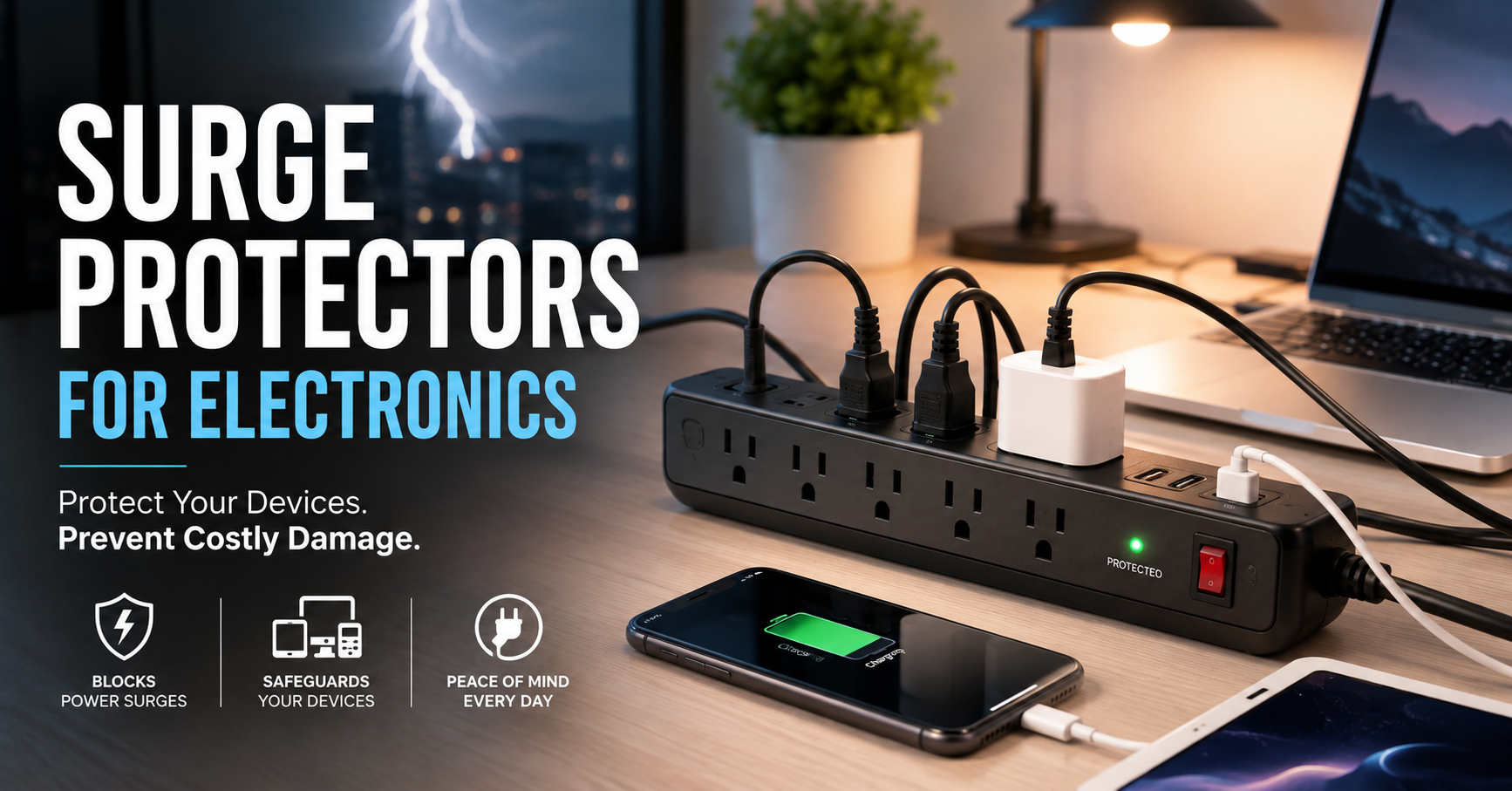
A few years ago, I plugged a new monitor into an old power strip that had been sitting under my desk for years. It looked perfectly fine, so I didn’t think twice about it. A few weeks later, after a heavy thunderstorm, the monitor refused to turn on. My laptop survived because it wasn’t plugged in, but the monitor was done for.
At first, I blamed the weather.
Later, I learned the real problem: that old power strip wasn’t actually protecting anything anymore. It had surge protection when it was new, but those components wear out over time. I had been trusting something that had quietly stopped doing its job.
Since then, I’ve paid much more attention to how I protect my electronics. Whether it’s a home office, gaming setup, TV, or charging station, a quality surge protector has become one of those small purchases that can prevent a very expensive mistake.
If you’ve invested in electronics, here’s what you should know before buying one.
What Is a Surge Protector?
A surge protector is designed to protect electronic devices from sudden increases in electrical voltage.
Most of the time, the electricity flowing through your outlets stays at a normal level. But events like lightning strikes, power outages, utility work, or even large appliances switching on can cause short bursts of extra voltage.
Those spikes may only last a fraction of a second, but that’s enough to damage sensitive electronics like:
- Laptops
- Desktop computers
- Monitors
- Gaming consoles
- TVs
- Wi-Fi routers
- Smart home devices
- External hard drives
- Phone chargers
Instead of allowing that excess electricity to reach your devices, a surge protector redirects or absorbs it.
Surge Protector vs. Regular Power Strip
This is probably the biggest misunderstanding people have.
A regular power strip simply gives you more outlets.
A surge protector does that and protects connected electronics from voltage spikes.
From the outside, they often look identical.
The difference is inside.
Many inexpensive power strips have no protection at all. If a power surge happens, every connected device receives that extra voltage.
Always check the packaging or product description before buying.
Where Power Surges Actually Come From
Many people think lightning is the only cause.
It’s actually one of the least common.
More frequent causes include:
- Air conditioners turning on
- Refrigerators cycling
- Washing machines
- Power restoration after an outage
- Utility maintenance
- Faulty wiring
- Heavy electrical equipment nearby
Most surges are small, but they happen more often than people realize.
Over time, those repeated mini-surges can slowly reduce the lifespan of electronics.
Why Modern Electronics Need Protection
Older electronics were generally more forgiving.
Today’s devices contain tiny, highly sensitive components.
Think about what’s connected in a typical workspace:
- Laptop
- External monitor
- Mechanical keyboard
- USB hub
- Phone charger
- Smart speaker
- Docking station
Replacing all of those could cost hundreds or even thousands of dollars.
A good surge protector costs much less than replacing a single monitor.
How to Choose the Right Surge Protector
Not all surge protectors offer the same level of protection.
Here are the features worth checking.
1. Joule Rating
The joule rating tells you how much energy the protector can absorb before it stops protecting.
General guidelines:
- 500–1000 joules: Basic protection
- 1000–2000 joules: Good for home offices
- 2000+ joules: Better for expensive equipment
If you’re protecting a computer setup, I usually recommend aiming for at least 1000 joules.
2. Number of Outlets
Think about what you’ll actually plug in.
Many people buy a six-outlet protector and discover they need eight or ten.
Make a quick list first.
For example:
- Laptop charger
- Monitor
- Speakers
- Desk lamp
- Phone charger
- Printer
- Router
Buying slightly larger now saves replacing it later.
3. USB Charging Ports
Some surge protectors include USB-A or USB-C ports.
These are useful for charging:
- Phones
- Tablets
- Wireless earbuds
- Smartwatches
It also frees up regular outlets.
4. Indicator Lights
Look for models with lights labeled:
- Protected
- Grounded
These let you know whether surge protection is still working.
If the protection light goes out, it’s usually time to replace the unit.
5. Cord Length
This sounds minor until you set everything up.
Measure the distance from your wall outlet to your desk.
Common lengths include:
- 3 feet
- 6 feet
- 8 feet
- 10 feet
Too short creates cable clutter.
Too long leaves unnecessary cable on the floor.
6. Safety Certifications
Choose products tested by recognized safety organizations.
This provides extra confidence that the device meets established electrical safety standards.
Avoid extremely cheap, no-name products with little or no certification information.
Best Places to Use Surge Protectors
I use surge protectors in more rooms than I did a few years ago.
Some of the best places include:
Home Office
Protect:
- Laptop
- Monitor
- Printer
- Docking station
- Router
Entertainment Center
Great for:
- Television
- Streaming device
- Gaming console
- Soundbar
- Media player
Bedroom Charging Station
Useful for:
- Phone
- Tablet
- Smartwatch
- Reading lamp
Study Desk
Ideal for students using:
- Laptop
- Monitor
- Desk light
- Phone charger
Step-by-Step: Setting Up a Surge Protector Correctly
Installing one takes only a few minutes.
Step 1
Choose a wall outlet in good condition.
Avoid loose or damaged outlets.
Step 2
Plug the surge protector directly into the wall.
Don’t connect it through another power strip.
Step 3
Connect your valuable electronics.
Keep high-power appliances separate whenever possible.
Step 4
Check the protection indicator light.
If it isn’t illuminated according to the manufacturer’s instructions, investigate before relying on it.
Step 5
Keep cables organized.
Using reusable cable ties or a simple cable management sleeve makes cleaning and troubleshooting much easier.
Common Mistakes People Make
Using Old Surge Protectors Forever
Many people don’t realize surge protectors have a lifespan.
Each surge slightly reduces their ability to protect.
If yours is very old, has handled several major surges, or no longer shows a protection indicator, it may be time for a replacement.
Plugging One Into Another
This is often called daisy-chaining.
It increases electrical risk and isn’t recommended by manufacturers.
Always plug the surge protector directly into the wall outlet.
Connecting High-Power Appliances
Some appliances draw a lot of electricity.
Examples include:
- Space heaters
- Microwaves
- Air fryers
- Portable air conditioners
These are usually better plugged directly into dedicated wall outlets unless the surge protector is specifically rated for such loads.
Ignoring Damaged Cords
If the cable is frayed, cut, or crushed under furniture, replace the surge protector.
A damaged cord is a safety concern regardless of whether the surge protection still works.
Assuming Every Outlet Is Protected
On many surge protectors, all outlets are protected, but some models include outlets that are intended only for power expansion. Read the product label or manual so you know which outlets provide surge protection.
Real-Life Situations Where Surge Protectors Help
Working From Home
Imagine you’re finishing an important project.
The power flickers during a storm.
A quality surge protector helps reduce the chance that your monitor, router, or desktop PC will be damaged by the sudden voltage spike.
Gaming Setup
Gaming consoles, monitors, speakers, and charging docks can represent a significant investment.
Protecting all of them with one reliable surge protector is much cheaper than replacing even one damaged device.
Smart Home Devices
Many homes now have:
- Smart speakers
- Wi-Fi routers
- Security cameras
- Smart displays
These devices stay plugged in all day, making surge protection a sensible precaution.
Extra Tips That Have Worked Well for Me
After organizing my workspace, I picked up a few habits that have made things easier:
- Label cables before plugging everything in.
- Leave some empty outlets for future devices.
- Dust around the surge protector occasionally so vents stay clear.
- Don’t hide it where indicator lights can’t be seen.
- Replace it if it has taken a major surge or if the manufacturer recommends replacement after a certain period.
These small habits make maintenance much simpler later.
Is a Surge Protector Worth Buying?
If you’re only charging a basic lamp, you may not think much about electrical protection.
But once you start adding laptops, monitors, gaming consoles, routers, and other electronics, the value becomes much clearer.
A surge protector isn’t exciting, and it’s probably not the first accessory people think about when setting up a desk or entertainment center. Yet it’s one of the few items that quietly works in the background every day, helping protect the devices you rely on most.
After replacing a monitor that failed following a power event, I stopped treating surge protection as an optional extra. It’s now part of every workspace I set up, alongside good cable management and reliable charging accessories. It’s a small investment that can provide peace of mind whenever the lights flicker or the weather takes a turn.