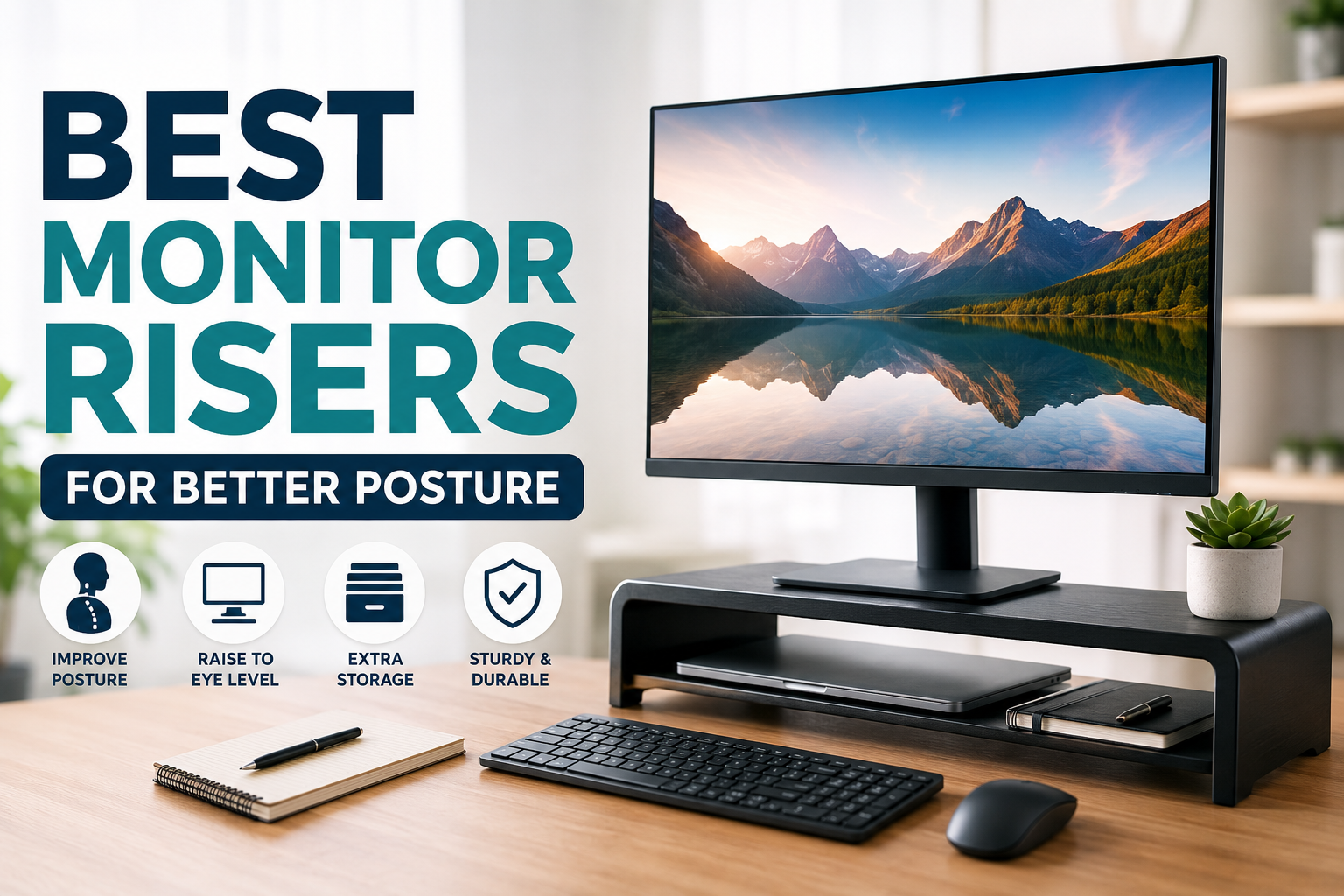
Most people don’t realize how much a monitor’s height affects the way they sit until their neck starts complaining.
That was exactly my experience. I spent months thinking my office chair was the problem. I adjusted the armrests, bought a new seat cushion, and even blamed my keyboard. Nothing changed. Then one afternoon, I stacked a few hardcover books under my monitor just to experiment.
Within a week, I noticed something surprising—I wasn’t constantly looking down anymore. My shoulders felt more relaxed, and I stopped leaning toward the screen every few minutes. That simple change eventually led me to buy a proper monitor riser, and it’s still one of the most useful upgrades I’ve made to my workspace.
If you spend several hours a day in front of a computer, a quality monitor riser can make your desk more comfortable while improving posture and freeing up valuable desk space.
This guide covers some of the best monitor risers available today, along with practical advice to help you choose the right one.
Quick Comparison Table
| Product | Best For | Adjustable | Storage Space | Material |
|---|---|---|---|---|
| HUANUO Adjustable Monitor Stand | Overall Best | Yes | Moderate | Steel |
| VIVO Height Adjustable Riser | Heavy Monitors | Yes | Good | Steel |
| Amazon Basics Monitor Stand | Budget Buyers | Limited | Good | Plastic & Steel |
| Twelve South Curve Riser | Apple & Modern Setups | No | Excellent | Aluminum |
| Simple Houseware Monitor Stand | Extra Storage | No | Excellent | Metal Mesh |
| FITUEYES Glass Monitor Stand | Premium Appearance | No | Moderate | Tempered Glass |
Why a Monitor Riser Matters
One of the biggest posture mistakes people make is working with the monitor sitting too low.
When your eyes naturally look downward for hours, your neck bends forward. It doesn’t seem like much in the moment, but after an entire workday, the strain adds up.
A properly positioned monitor helps:
- Keep your neck in a neutral position
- Reduce shoulder tension
- Improve sitting posture
- Create more desk space
- Make dual-monitor setups easier to organize
A good rule I’ve found helpful is simple:
The top edge of your screen should be around eye level when sitting upright.
That small adjustment encourages better posture without constantly reminding yourself to “sit straight.”
1. HUANUO Adjustable Monitor Stand
Best Overall
If I were recommending just one monitor riser for most people, this would probably be it.
Its adjustable height makes it easy to experiment until you find the most comfortable viewing position. Unlike fixed stands, you’re not locked into one height forever.
Pros
- Multiple height settings
- Very sturdy
- Supports heavier monitors
- Non-slip feet
- Easy assembly
Cons
- Industrial design may not match every desk
- Slightly larger footprint
Best for: Home offices, remote workers, programmers, and students.
2. VIVO Height Adjustable Monitor Riser
Best for Heavy Monitors
If you’re using a large 32-inch display or even an ultrawide monitor, stability becomes much more important.
The VIVO stand feels extremely solid. There’s almost no wobble while typing, even on larger desks.
Pros
- Excellent weight capacity
- Adjustable height
- Durable steel frame
- Great airflow underneath
Cons
- Not the most stylish option
- Assembly takes a few minutes
Best for: Designers, video editors, and professionals with larger displays.
3. Amazon Basics Monitor Stand
Best Budget Option
Not everyone wants to spend a lot on desk accessories.
This stand proves you don’t have to.
It raises the monitor enough for better ergonomics while creating extra storage underneath for notebooks, keyboards, or external drives.
Pros
- Affordable
- Easy setup
- Lightweight
- Compact
Cons
- Limited height adjustment
- Basic appearance
Best for: Students, first-time desk upgrades, and budget-conscious buyers.
4. Twelve South Curve Riser
Best Premium Design
If your workspace has a modern aesthetic, this stand looks fantastic.
It’s especially popular among Mac users because the aluminum finish blends naturally with Apple devices.
Although it’s not adjustable, the height works well for many desks.
Pros
- Beautiful aluminum construction
- Premium finish
- Stable
- Creates clean storage underneath
Cons
- Higher price
- Fixed height
Best for: Minimalist workspaces and creative professionals.
5. Simple Houseware Monitor Stand
Best for Storage
One thing I underestimated when organizing my desk was how useful extra storage could be.
This stand includes enough room underneath for notebooks, keyboards, chargers, and office supplies.
It helps reduce clutter without needing additional organizers.
Pros
- Plenty of storage
- Durable mesh construction
- Affordable
- Stable
Cons
- Height isn’t adjustable
- More functional than stylish
Best for: Small desks and home offices.
6. FITUEYES Glass Monitor Stand
Best Premium Look
If appearance matters just as much as function, tempered glass gives a workspace a cleaner, more professional look.
The transparent design makes smaller desks feel less crowded.
Pros
- Elegant design
- Tempered glass surface
- Easy to clean
- Strong construction
Cons
- Fingerprints show easily
- Fixed height
Best for: Executive offices and minimalist desk setups.
How to Choose the Right Monitor Riser
After trying several desk setups over the years, I’ve learned that the “best” monitor riser depends more on your workspace than the product itself.
Here are the factors worth considering.
1. Height
This is the most important feature.
Your eyes should naturally meet the upper portion of your screen without tilting your head.
If multiple people use the same desk, adjustable models are usually worth the extra cost.
2. Weight Capacity
Always check your monitor’s weight.
Large ultrawide displays need stronger stands than lightweight office monitors.
3. Desk Space
Measure your desk before buying.
Some risers are surprisingly wide, especially if they include storage compartments.
4. Storage
Many risers create useful space underneath for:
- Keyboard
- Laptop
- External SSD
- Docking station
- Notebook
- Headphones
If your desk often feels cluttered, this alone can make a noticeable difference.
5. Material
Common options include:
- Steel (most durable)
- Aluminum (premium appearance)
- Tempered glass (modern look)
- Plastic (budget-friendly)
- Mesh metal (great airflow)
How to Set Up Your Monitor Correctly
Buying a monitor riser only solves part of the problem.
Here’s the setup that worked best for me.
Step 1
Place the monitor directly in front of you.
Step 2
Raise it until the top edge is roughly at eye level.
Step 3
Sit with your back supported instead of leaning forward.
Step 4
Keep the monitor about an arm’s length away.
Step 5
Adjust the screen angle slightly upward if needed.
Step 6
Keep your keyboard close enough that your elbows stay around 90 degrees.
After making these changes, I found myself naturally sitting better without constantly thinking about posture.
Common Mistakes to Avoid
Buying only for appearance
A stylish monitor stand won’t help much if it’s the wrong height.
Ignoring monitor weight
Some inexpensive stands struggle with larger displays.
Always check weight limits.
Raising the monitor too high
Looking upward all day can be just as uncomfortable as looking down.
Forgetting chair height
Sometimes your chair simply needs adjusting before changing the monitor.
Everything works together.
Keeping poor posture anyway
Even with the perfect monitor height, slouching will eventually lead to discomfort.
Changing positions regularly is still important.
Real-Life Use Cases
Remote Workers
Long video meetings become much more comfortable with proper screen height.
Students
A monitor riser helps create extra room for textbooks and notebooks underneath.
Gamers
Better monitor positioning often leads to a more comfortable gaming session, especially during longer playtimes.
Content Creators
Editors working with large monitors benefit from better neck positioning throughout long editing sessions.
Frequently Asked Questions
Do monitor risers actually improve posture?
Yes. They help position your monitor closer to eye level, reducing the tendency to bend your neck downward. They’re most effective when combined with a properly adjusted chair and keyboard placement.
What’s the ideal monitor height?
The top of the display should generally be at or just below eye level while you’re sitting comfortably with your back supported.
Are adjustable monitor risers worth it?
For most people, yes. They make it easier to fine-tune your setup and adapt if you switch desks, chairs, or monitors.
Can I use books instead of a monitor riser?
Absolutely. Many people start with sturdy books to test the right height. Once you know what works, a dedicated monitor riser offers better stability, appearance, and storage.
Is a monitor arm better than a monitor riser?
A monitor arm provides greater flexibility and saves desk space, but it usually costs more and requires compatible mounting. A monitor riser is simpler, easier to install, and works well for most users.
Final Recommendation
If you want the best balance of comfort, adjustability, and durability, the HUANUO Adjustable Monitor Stand is the strongest overall choice for most desks.
If you’re on a tighter budget, the Amazon Basics Monitor Stand delivers excellent value and is a noticeable improvement over placing your monitor directly on the desk.
For those building a premium workspace, the Twelve South Curve Riser offers a clean, modern look that pairs well with minimalist setups.
No matter which option you choose, remember that a monitor riser isn’t a magic fix on its own. Pair it with a supportive chair, proper keyboard placement, and regular movement throughout the day. Those small adjustments can make long hours at your desk feel far more comfortable—and your neck and shoulders will likely thank you for it.