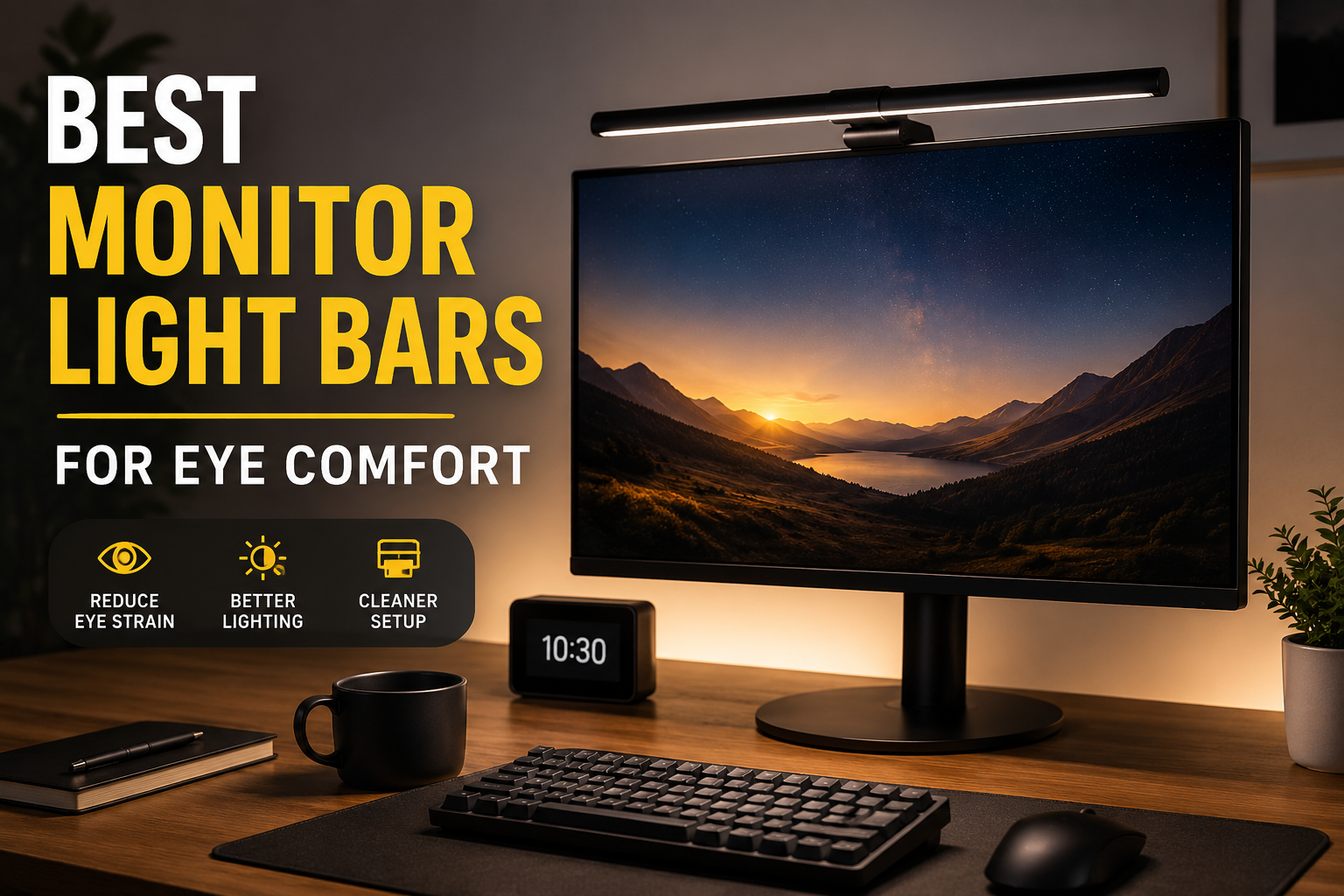
I never paid much attention to my desk lighting until I started getting headaches almost every evening.
At first, I blamed my monitor. Then I blamed my chair. I even bought blue-light-blocking glasses because everyone seemed to recommend them. They helped a little, but something still felt off.
The real problem turned out to be the room itself.
My monitor was the brightest thing in a dim room, and after spending eight to ten hours working, my eyes constantly had to adjust between the bright screen and the dark surroundings. That contrast was exhausting.
A monitor light bar sounded like another unnecessary gadget at first. I honestly thought it was just something people bought because it looked good in YouTube desk setup videos. After trying one for a few weeks, though, I understood why so many people keep recommending them.
If you spend long hours working, studying, gaming, editing photos, or simply browsing, a good monitor light bar can make your workspace noticeably more comfortable.
Let’s look at the best options and what actually matters before buying one.
What Is a Monitor Light Bar?
Unlike a regular desk lamp, a monitor light bar sits on top of your monitor.
Instead of shining directly into your eyes, it points downward toward your desk. Most quality models are carefully designed so the light doesn’t reflect on your screen.
That means you get:
- Better lighting for your keyboard and workspace
- Less eye strain in darker rooms
- More usable desk space
- Cleaner cable management
- Reduced glare compared to traditional lamps
Once I switched from a desk lamp to a monitor light bar, I realized how much desk space I had been wasting.
Why Eye Comfort Depends on More Than Your Monitor
Many people think eye strain only comes from staring at a screen too long.
That isn’t completely true.
Several things usually combine together:
- Poor room lighting
- Bright monitor in a dark room
- Screen reflections
- Wrong monitor brightness
- Not blinking enough
- Sitting too close
A monitor light bar helps solve one important part of this puzzle by creating a more balanced lighting environment around your workspace.
You still need regular breaks and proper screen settings, but the difference is noticeable.
Best Monitor Light Bars Worth Buying
1. BenQ ScreenBar Halo
If someone asked me for the best overall monitor light bar regardless of budget, this would be my first recommendation.
The ScreenBar Halo has excellent light quality, adjustable color temperature, automatic brightness adjustment, and even includes a wireless desktop controller that feels surprisingly convenient.
Pros
- Excellent light distribution
- No screen glare
- Automatic brightness sensor
- Wireless control dial
- Premium build quality
Cons
- Expensive
- More features than casual users may need
Best for:
- Professionals
- Programmers
- Designers
- Video editors
- Remote workers
2. Xiaomi Mi Monitor Light Bar
This is probably the best value for money.
I was honestly surprised by how good it felt considering the price.
The wireless remote is simple, setup takes less than five minutes, and the lighting is consistent across the desk.
It doesn’t have every premium feature of the BenQ model, but for everyday work it’s excellent.
Pros
- Affordable
- Clean design
- Easy installation
- Wireless brightness control
Cons
- Fewer lighting modes
- Slightly less premium finish
Perfect for students and home offices.
3. Quntis Monitor Light Bar
If your budget is limited, Quntis has become one of the most popular affordable options.
Despite costing much less than premium brands, it still offers:
- Adjustable brightness
- Adjustable color temperature
- USB power
- Simple touch controls
Many people start with this model before deciding whether a premium light bar is worth upgrading to later.
4. BenQ ScreenBar
This is the original version before the Halo model.
You lose a few premium features, but the lighting quality remains excellent.
It’s often available at a lower price than the Halo while keeping the same excellent anti-glare design.
5. MELIFO Monitor Light Bar
For casual users who mainly browse, study, or work from home, MELIFO offers a nice balance between affordability and useful features.
It usually includes:
- Adjustable brightness
- Warm and cool lighting
- USB-powered operation
- Memory settings
Features That Actually Matter
After trying different desk lighting setups, these are the features I would never skip.
Adjustable Brightness
Not every room needs maximum brightness.
Sometimes late-night work only requires soft lighting.
Being able to adjust brightness quickly makes a huge difference.
Adjustable Color Temperature
Warm light feels relaxing.
Cool white light helps during focused work.
The best light bars let you switch between both depending on the time of day.
No Screen Glare
This is probably the biggest reason to buy a monitor light bar instead of a desk lamp.
A properly designed light bar directs light toward the desk instead of your display.
Easy Controls
Touch controls work fine.
A wireless controller works even better because you don’t have to reach over the monitor every time.
USB Power
Most monitor light bars run directly from:
- Computer USB ports
- USB hubs
- Docking stations
- USB wall adapters
That means one less power brick on your desk.
How to Choose the Right Monitor Light Bar
Think about your daily routine before buying.
For office work
Look for:
- Automatic brightness
- Adjustable color temperature
- Reliable build quality
For gaming
Choose:
- Wide light coverage
- Adjustable brightness
- Comfortable warm lighting for late-night sessions
For students
Focus on:
- Budget-friendly options
- Good brightness controls
- Easy installation
For designers and editors
Prioritize:
- High color accuracy
- Uniform lighting
- Flicker-free LEDs
How to Set It Up Properly
Buying a good light bar is only half the job.
Here’s what worked best for me.
Step 1
Attach it securely to the top of the monitor.
Most use a weighted clamp that doesn’t require tools.
Step 2
Angle the light downward.
You shouldn’t see the LEDs directly.
Step 3
Reduce monitor brightness slightly.
Once your desk is properly lit, you often don’t need the monitor at maximum brightness.
Step 4
Match the light color to your room.
Warm light works well at night.
Cool light feels better during the day.
Step 5
Keep the monitor clean.
Dust can create reflections that make glare worse.
Common Mistakes People Make
Buying the Cheapest Option Available
Very cheap models sometimes create uneven lighting or noticeable flicker.
That can defeat the whole purpose of reducing eye fatigue.
Using Maximum Brightness All the Time
Brighter isn’t always better.
The goal is balanced lighting.
Ignoring Room Lighting
A monitor light bar works best alongside reasonable ambient lighting.
A completely dark room still isn’t ideal for long work sessions.
Expecting It to Solve Every Eye Problem
A light bar helps, but don’t forget healthy habits:
- Follow the 20-20-20 rule (every 20 minutes, look at something 20 feet away for 20 seconds).
- Blink regularly.
- Sit at a comfortable viewing distance.
- Keep your screen clean.
- Adjust monitor brightness to match your surroundings.
Is a Monitor Light Bar Better Than a Desk Lamp?
For most computer users, I’d say yes.
A desk lamp often creates unwanted reflections, takes up valuable desk space, and doesn’t always illuminate the work area evenly.
A monitor light bar keeps the desk clear while lighting the keyboard, notebook, and mouse without shining directly into your eyes.
I still keep a small desk lamp nearby for paperwork, but for everyday computer work, the light bar gets used far more often.
Who Should Buy One?
A monitor light bar is especially useful if you:
- Work from home every day
- Spend more than four hours at a computer
- Study late at night
- Edit photos or videos
- Write for long periods
- Experience eye fatigue in dim rooms
- Want a cleaner desk setup
If you only use your computer for a few minutes at a time, you probably won’t notice as much of a difference. But if your desk is where you spend a large part of your day, it’s one of those upgrades that quietly improves your comfort over time.
After months of using one, I don’t think about it much anymore—and that’s probably the best compliment I can give it. My workspace feels more balanced, I reach for headache medicine less often after long workdays, and I no longer dread evening sessions at the computer. It isn’t a miracle cure for eye strain, but paired with sensible screen brightness, regular breaks, and good posture, a quality monitor light bar is one of the simplest investments you can make for a more comfortable desk setup.