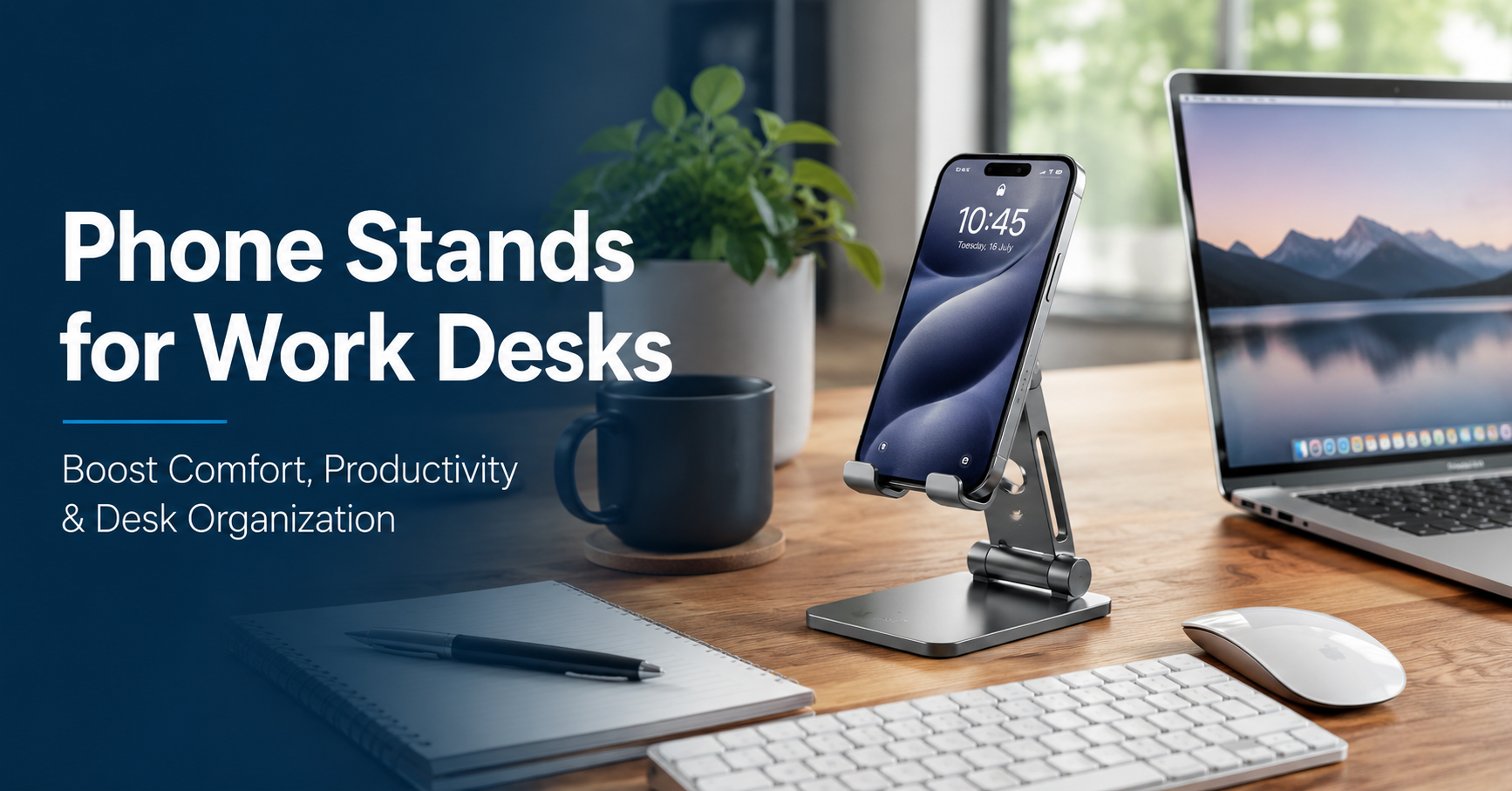
For a long time, I thought a phone stand was one of those accessories people bought just because it looked nice on a desk. My phone usually stayed flat next to my keyboard, and I didn’t think much about it.
That changed after I started working from my desk for several hours every day.
I was constantly picking up my phone to check messages, approve two-factor authentication codes, join video meetings, or glance at my calendar. Every time, I’d grab it, unlock it, set it back down, and continue typing. It doesn’t sound like much, but after repeating that dozens of times a day, it became surprisingly annoying.
One afternoon, I borrowed a simple aluminum phone stand from a friend. I honestly expected nothing more than a cleaner-looking desk.
Instead, it quietly became one of my favorite desk accessories.
If you’re setting up a home office or simply want a more comfortable workspace, a phone stand is a small investment that can make everyday work noticeably easier.
Why a Phone Stand Is More Useful Than It Seems
A phone has become part of almost every workday.
Whether you use it for Slack notifications, Microsoft Teams, Google Authenticator, Zoom meetings, calendar reminders, Spotify controls, or quick personal messages, it’s probably within arm’s reach most of the time.
The problem is where it sits.
When it’s lying flat on the desk, every notification means looking down, picking it up, reading the screen, and putting it back again. It sounds minor until you’ve done it a hundred times.
A stand lifts the screen into your natural line of sight. You can quickly glance at incoming notifications without interrupting your workflow.
That tiny improvement adds up over the course of a full workday.
The Biggest Benefits I Noticed
After using a phone stand daily, several improvements became obvious.
Less Neck Strain
I hadn’t realized how often I looked down at my phone.
Keeping it slightly elevated reduced the constant downward movement, especially during long writing sessions.
It’s not a replacement for good posture, but every little improvement helps.
A Cleaner Workspace
One unexpected benefit was simply having a more organized desk.
Instead of my phone sliding around between notebooks, cables, and coffee mugs, it had a dedicated place.
A tidy desk often makes it easier to stay focused.
Easier Video Calls
Sometimes I need a second camera angle during meetings or want to join a quick video call without opening my laptop camera.
A phone stand makes this much easier.
Many adjustable stands even let you switch between portrait and landscape mode in seconds.
Better Notification Management
Instead of grabbing the phone every few minutes, I simply glance over.
If it’s important, I respond.
If it isn’t, I keep working.
That small habit reduced unnecessary distractions more than I expected.
Different Types of Phone Stands
Not every stand is built the same. The right one depends on how you work.
Fixed Aluminum Stand
These are the most popular.
They’re sturdy, simple, and usually made from aluminum with rubber padding.
Great for:
- Office desks
- Home offices
- Students
- Everyday productivity
Adjustable Stand
The height and viewing angle can be changed.
This flexibility is useful if you frequently switch between sitting and standing or use your phone during video calls.
Best for:
- Remote workers
- Content creators
- Professionals with standing desks
Foldable Travel Stand
These fold flat and fit inside a laptop bag.
They’re lightweight and surprisingly stable.
Perfect for:
- Business travel
- Coffee shops
- Shared workspaces
Wireless Charging Stand
These combine a phone stand with wireless charging.
Instead of plugging in a cable several times a day, you simply place the phone on the stand.
This keeps the battery topped up while maintaining a clean desk.
Features Worth Looking For
After trying several inexpensive stands, I learned that a few features matter much more than flashy designs.
Stable Base
A lightweight stand may wobble every time you tap the screen.
A heavier metal base usually feels much better.
Rubber Padding
Soft silicone pads prevent scratches and stop the phone from sliding.
Without them, the stand can feel surprisingly slippery.
Cable Management
If you charge your phone while working, look for a design that leaves room for the charging cable.
This sounds like a small detail until you constantly fight with awkward cable angles.
Adjustable Viewing Angle
Being able to tilt the phone even a little helps reduce glare from windows or overhead lighting.
Compatibility
Most modern stands work with:
- iPhone
- Samsung Galaxy
- Google Pixel
- OnePlus
- Motorola
- Other Android phones
If you use a thick protective case, check the stand’s supported thickness before buying.
My Favorite Ways to Use a Phone Stand
A phone stand is surprisingly versatile.
During Work Sessions
I keep Microsoft Authenticator open when logging into work accounts.
Instead of searching for my phone every few minutes, it’s already visible.
Following Checklists
When assembling furniture or setting up new equipment, I place my phone on the stand with the instructions open.
It’s much easier than laying the phone flat.
Watching Tutorials
Whether it’s a YouTube tutorial or a coding lesson, having the screen elevated is far more comfortable.
Video Meetings
Sometimes I join meetings from my phone while keeping my laptop focused on documents.
The stand keeps the camera steady and at a better angle.
Charging Overnight
On my desk, the stand doubles as a charging dock.
Every morning, I know exactly where my phone is.
Mistakes I Made Before Buying One
The first stand I purchased looked great in photos but wasn’t very practical.
Here are a few things I wish I’d known.
Choosing the Cheapest Option
Ultra-cheap plastic stands often wobble and feel flimsy.
Spending a little more usually gets noticeably better build quality.
Ignoring Height
Some stands are surprisingly short.
If your monitor is elevated, a taller adjustable stand often feels more comfortable.
Forgetting About Cases
One stand couldn’t properly support my phone with its protective case attached.
Always check compatibility if you use a rugged case.
Buying Only for Looks
Minimal designs are attractive, but stability matters more.
A stand that tips over every time you tap the screen quickly becomes frustrating.
How to Set Up Your Phone Stand for Maximum Comfort
Getting the most from a phone stand only takes a few minutes.
Step 1: Place it beside your monitor rather than directly underneath it.
Step 2: Angle the screen slightly upward so it’s easy to glance at.
Step 3: Keep a charging cable connected if you frequently use your phone.
Step 4: Turn on Focus Mode or Do Not Disturb while working to reduce unnecessary notifications.
Step 5: Clean the rubber pads occasionally to maintain a secure grip.
These simple adjustments make the stand feel like a natural part of your workspace.
Who Should Buy a Phone Stand?
A phone stand isn’t just for people with elaborate desk setups.
It’s useful if you:
- Work from home regularly
- Spend hours at a computer
- Attend online meetings
- Use your phone for authentication apps
- Watch tutorials while working
- Study online
- Create content
- Want a cleaner desk
Even casual users often appreciate having a designated place for their phone.
Is an Expensive Phone Stand Worth It?
Not necessarily.
After comparing different models, I found that many mid-range stands offer excellent value.
Rather than paying for premium branding, focus on practical features like stability, adjustability, and durable materials.
For most people, a well-built aluminum stand strikes the best balance between price and quality.
Small Accessories Can Make a Big Difference
When people upgrade their workspaces, they usually think about monitors, ergonomic chairs, keyboards, or mechanical mice.
Those upgrades certainly matter.
But I’ve learned that small accessories often improve the everyday experience just as much.
A phone stand won’t suddenly make you twice as productive.
What it does is remove dozens of tiny annoyances throughout the day. Your phone stays visible, organized, easy to reach, and ready whenever you need it.
After months of using one, I wouldn’t want to go back to leaving my phone flat on the desk. It’s one of those inexpensive accessories you barely notice once it’s there—but you’d definitely miss it if you took it away.
If you’re building a comfortable, organized work desk, a quality phone stand is a simple upgrade that’s well worth considering.