For the longest time, I thought a tablet stand was one of those accessories that looked nice on someone else’s desk but wasn’t something I actually needed. My tablet usually sat flat on the desk, leaning against a coffee mug, or balanced awkwardly against my laptop. It worked… until it didn’t.
The turning point came during a long work session. I was using my tablet to keep notes open while writing on my laptop. After a couple of hours, my neck felt stiff because I kept looking down. I also found myself constantly repositioning the tablet because it kept sliding around.
I finally bought a simple adjustable tablet stand, expecting only a small improvement. Instead, it completely changed how I used my tablet every day. It became easier to read documents, attend video calls, follow tutorials, and even sketch ideas without constantly adjusting my posture.
If you’ve ever wondered whether a tablet stand is worth adding to your workspace, here’s what I’ve learned after using one regularly.
Why a Tablet Stand Makes Such a Big Difference
A tablet is incredibly versatile, but laying it flat on a desk limits its usefulness.
Raising the screen to a comfortable viewing angle instantly makes everyday tasks easier. Whether you’re reading articles, watching training videos, taking notes, or joining meetings, having the screen closer to eye level reduces unnecessary strain.
A stand also turns your tablet into a proper secondary display instead of just another device lying around your desk.
Tasks That Become Easier With a Tablet Stand
One thing I noticed quickly is that I started using my tablet much more often.
Here are some situations where a stand genuinely helps.
Reading Documents
Instead of constantly bending your neck, documents stay upright and easier to read.
This is especially useful for:
- PDF manuals
- Study notes
- Research papers
- Recipes
- E-books
Long reading sessions become much more comfortable.
Video Meetings
Whether you’re attending meetings or talking with friends, a stand creates a better camera angle.
Instead of holding the tablet or stacking books underneath it, the stand keeps everything stable.
The camera sits closer to eye level, making conversations feel more natural.
Following Tutorials
When learning something new, I often keep a tutorial open on my tablet while working on another device.
Examples include:
- Graphic design lessons
- Coding tutorials
- Cooking videos
- DIY repair guides
- Online courses
Having the screen upright means I don’t constantly pause to adjust the viewing angle.
Digital Note Taking
If you use a stylus, many adjustable stands let you lower the angle for writing.
This creates a comfortable surface without placing the tablet completely flat.
Apps like:
- Microsoft OneNote
- GoodNotes
- Notability
- Nebo
feel much more natural when paired with the right stand.
Features Worth Looking For
Not every tablet stand is built the same.
Here are the features that actually matter.
Adjustable Height
This became my favorite feature.
Being able to raise or lower the tablet depending on my chair or desk setup keeps everything comfortable throughout the day.
Adjustable Viewing Angle
Different activities need different angles.
For example:
- Reading: more upright
- Drawing: lower angle
- Watching videos: slightly tilted back
- Video calls: nearly vertical
A flexible stand handles all of these.
Stable Base
A lightweight stand may wobble every time you tap the screen.
A heavier metal base usually feels much better during everyday use.
If you frequently interact with the screen, stability matters more than appearance.
Non-Slip Rubber Padding
Rubber grips protect both your tablet and desk.
Without them, the device may slowly slide forward, especially on smooth surfaces.
Foldable Design
If you travel or work from different locations, a foldable stand fits easily inside a backpack.
This is especially useful for students and remote workers.
How I Use My Tablet Stand Every Day
My daily setup changes depending on the task.
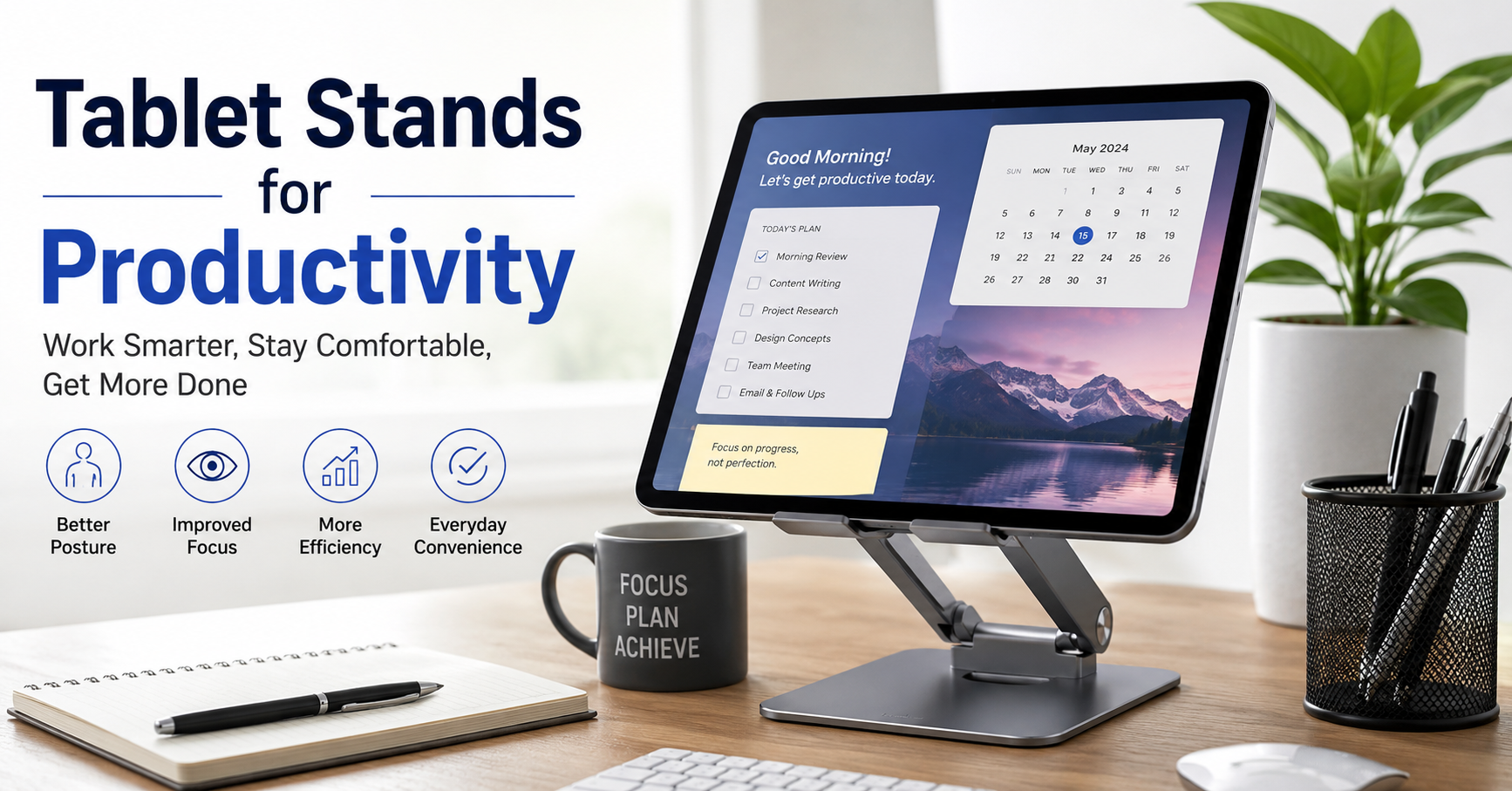
Morning usually starts with my laptop in the center and my tablet beside it displaying:
- Daily checklist
- Calendar
- Research notes
During writing sessions, I move the tablet slightly higher and keep reference articles open.
When editing photos, I use it to preview images while the main work happens on my computer.
In the evening, it becomes a comfortable stand for watching videos without holding the tablet for an hour.
It sounds simple, but eliminating all those small inconveniences makes work feel smoother.
Step-by-Step: Setting Up Your Tablet Stand for Better Productivity
If you’re buying your first stand, here’s a setup that works well.
Step 1: Position It Beside Your Main Screen
Avoid placing it directly behind your keyboard.
Keeping it beside your laptop creates a natural workflow.
Step 2: Raise It Near Eye Level
The goal isn’t perfection.
Just lifting the screen several inches higher than the desk makes a noticeable difference.
Step 3: Adjust the Angle
Experiment with different positions.
A small angle adjustment often reduces glare and makes reading easier.
Step 4: Keep Frequently Used Apps Ready
I usually keep:
- Calendar
- Notes
- Task manager
- Browser
- Music player
already open before starting work.
Switching between devices becomes much faster.
Step 5: Pair It With a Bluetooth Keyboard
If you type often on your tablet, adding a Bluetooth keyboard turns it into a lightweight workstation.
This combination works surprisingly well for writing emails, taking notes, or editing documents.
Great Uses Beyond Office Work
Tablet stands aren’t just for productivity.
I’ve also found them useful for:
- Cooking while following recipes
- Video workouts
- Reading comics
- Watching movies in bed
- Playing board games with digital scorekeeping
- Online classes
- Language learning apps
Once the tablet is comfortably positioned, you naturally use it more often.
Common Mistakes to Avoid
Buying the Cheapest Option
Some inexpensive plastic stands work fine.
Others become loose after only a few weeks.
If you plan to use your tablet daily, spending a little more on a sturdy aluminum stand usually pays off.
Ignoring Weight Compatibility
Large tablets are much heavier than smaller ones.
Always check whether the stand supports your device’s size and weight.
Setting the Screen Too Low
Even with a stand, placing the tablet near desk level defeats much of the ergonomic benefit.
Raise it enough that your neck stays in a more natural position.
Forgetting About Charging
If the charging cable sticks straight out of the bottom, make sure the stand leaves enough room for the connector.
Some designs make charging awkward.
Constantly Moving It Around
I found a “home position” for my stand on the desk.
Once everything had a permanent place, my workspace stayed much more organized.
Who Benefits Most From a Tablet Stand?
While almost anyone can use one, these people will probably notice the biggest improvement:
- Students reading digital textbooks
- Remote workers attending online meetings
- Writers keeping research nearby
- Designers using stylus-based drawing apps
- Teachers giving online lessons
- Content creators monitoring scripts or comments
- Home office users looking for a cleaner desk setup
Pairing a Tablet Stand With Other Desk Accessories
A tablet stand works even better alongside a few simple accessories:
- A wireless keyboard for faster typing
- A Bluetooth mouse if your tablet supports it
- A desk lamp to reduce eye strain in low light
- A cable organizer to keep charging cords tidy
- A phone stand so every device has its own place
- A monitor riser if you use a desktop monitor
Together, these small upgrades create a workspace that feels more organized and easier to use throughout the day.
Is a Tablet Stand Really Worth It?
Looking back, I spent far more time adjusting my tablet than actually using it comfortably. A good stand didn’t make me magically more productive, but it removed a lot of the little frustrations that interrupted my work.
When your screen is easier to see, your posture improves, and your tablet is always within reach, you’re more likely to use it as a helpful productivity tool instead of letting it collect dust on the corner of your desk.
If you already rely on a tablet for work, studying, reading, or creative projects, a sturdy adjustable stand is one of the simplest upgrades you can make. It’s affordable, takes up very little space, and can make your daily routine noticeably more comfortable without requiring you to change how you work.