The first standing desk converter I bought looked perfect in the product photos. It had great reviews, a sleek design, and seemed like an easy upgrade for my workspace. Then it arrived.
The problem? My desk was only 39 inches wide.
Once I placed the converter on it, there was barely enough room left for a coffee mug, notebook, or even my phone. Pulling out my keyboard tray became impossible, and every time I raised the converter, my monitor almost touched the shelf above my desk.
That experience taught me something simple: the “best” standing desk converter isn’t always the biggest or the most expensive. If you’re working with limited space, choosing the right size matters far more than extra features you’ll never use.
After trying different setups over the years, I’ve learned what actually works in small bedrooms, apartments, dorm rooms, and compact home offices. If you’re trying to stand while working without replacing your entire desk, here’s everything you should know.
Why a Standing Desk Converter Makes Sense in Small Spaces
Replacing your desk isn’t always practical.
Maybe you’re renting an apartment. Maybe you’re working from a corner of your bedroom. Or maybe your desk is already built into your room.
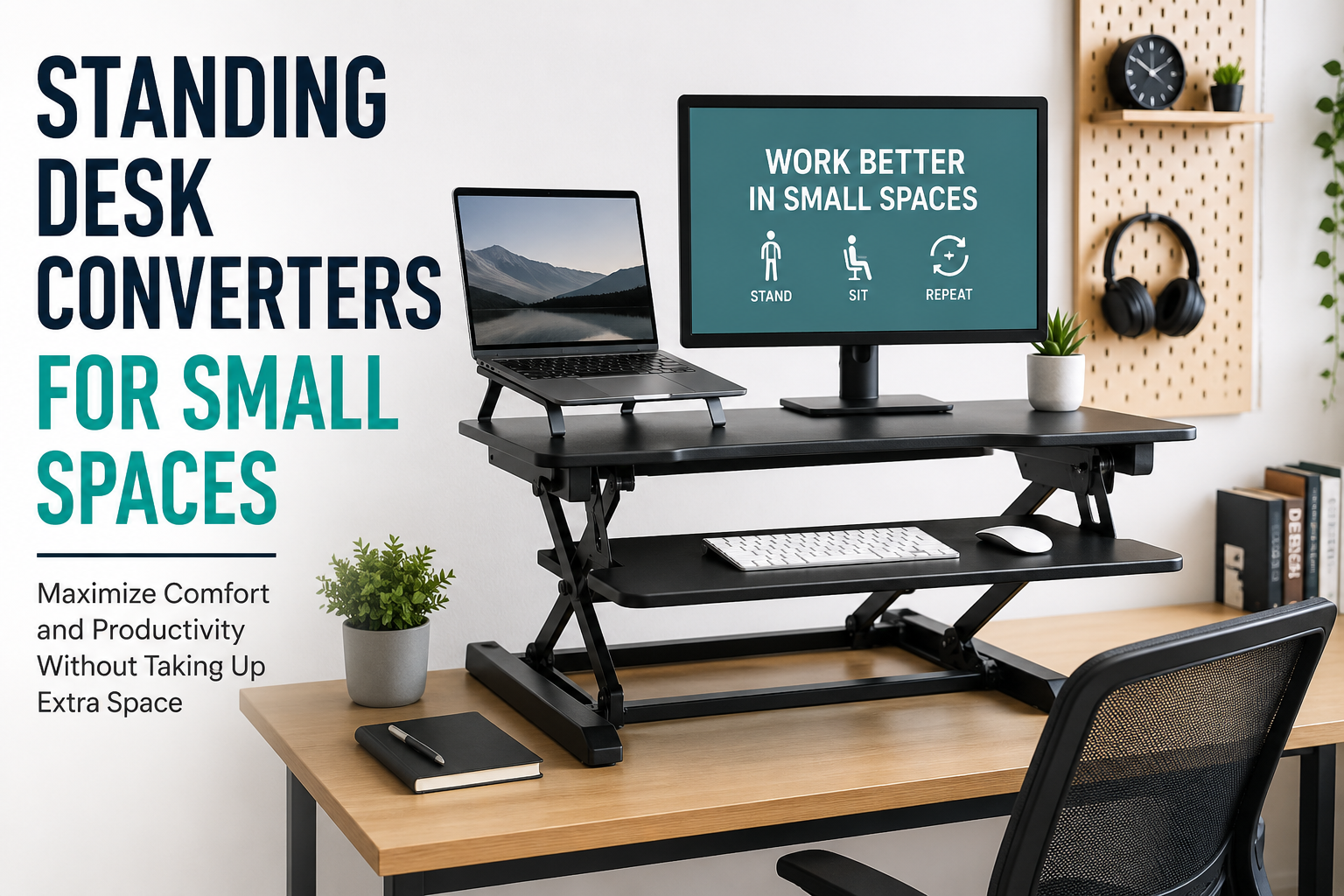
A standing desk converter sits on top of your existing desk and lifts your monitor and keyboard to standing height whenever you want. When you’re ready to sit, simply lower it again.
It’s a simple upgrade that can:
- Encourage more movement during the day
- Reduce long periods of sitting
- Help you alternate between sitting and standing
- Save money compared to buying a full standing desk
- Avoid rearranging your entire workspace
For smaller workspaces, this flexibility is hard to beat.
Measure Before You Buy
This is the mistake I made.
Before looking at colors or features, grab a tape measure.
Check:
- Width of your desk
- Depth of the desktop
- Space behind the desk
- Distance from shelves above
- Monitor size
Many people only measure the width.
Depth is equally important because some converters extend forward when raised. If your desk is shallow, your keyboard may end up hanging off the edge.
I also recommend leaving at least a few inches of free space on each side instead of filling your desk completely.
Features That Matter in Small Workspaces
Not every standing desk converter is designed with compact desks in mind.
Here are the features I now pay attention to first.
Compact Footprint
The base should take up as little desk space as possible.
Some models look compact until you unfold them.
Always check the product dimensions in both sitting and standing positions.
Smooth Height Adjustment
You’ll probably switch positions several times each day.
Gas spring systems feel much smoother than manual locking designs.
A converter that’s difficult to raise usually ends up staying in one position.
Stable Construction
Even compact models should feel solid.
A shaky platform becomes annoying when typing quickly or using dual monitors.
Read reviews that specifically mention stability at maximum height.
Keyboard Tray Size
Think about how you actually work.
If you mainly use:
- a laptop
- compact keyboard
- wireless mouse
you don’t need an oversized keyboard tray.
Smaller trays save valuable desk space.
Weight Capacity
A lightweight laptop needs far less support than:
- dual monitors
- heavy monitor arms
- desktop PCs
- audio equipment
Always check the maximum supported weight before buying.
Different Types of Standing Desk Converters
Understanding the basic designs makes shopping much easier.
Single-Level Converters
Everything sits on one platform.
Pros:
- Compact
- Lightweight
- Easy to move
- Great for laptops
Cons:
- Less ergonomic for desktop users
- Limited monitor positioning
These are excellent for students or remote workers using only a laptop.
Two-Tier Converters
The monitor stays higher while the keyboard sits lower.
This creates a more natural typing position.
If you spend eight hours at your desk, this design usually feels more comfortable.
Corner Desk Converters
Designed for L-shaped desks.
These maximize awkward corners that would otherwise go unused.
If your workspace already has a corner desk, these are worth considering.
My Favorite Setup for a Small Desk
After experimenting with different layouts, here’s the arrangement that has worked best for me.
I place:
- one 24-inch monitor
- compact mechanical keyboard
- wireless mouse
- laptop on a stand beside the converter
The laptop acts as a secondary screen while the monitor stays centered.
Using a wireless keyboard also gives me flexibility because I can move it slightly when switching positions.
Cable clips underneath the desk keep everything neat.
This setup leaves enough room for a notebook and coffee without feeling cramped.
Helpful Accessories That Save Space
A few inexpensive accessories can make a surprisingly big difference.
Monitor Arm
Instead of placing the monitor directly on the converter, a monitor arm frees up valuable surface space.
It also makes adjusting screen height much easier.
Wireless Peripherals
Wireless keyboards and mice reduce cable clutter dramatically.
A cleaner desk always feels larger than it actually is.
Cable Management Clips
Loose cables become much more noticeable when your desk moves up and down.
Simple adhesive cable clips solve this problem quickly.
Laptop Stand
If you use both a monitor and laptop, a separate laptop stand keeps everything organized without crowding the converter.
Common Mistakes People Make
I made nearly all of these myself.
Buying the Biggest Model
More space isn’t always better.
A massive converter on a tiny desk creates more frustration than comfort.
Ignoring Monitor Height
Some monitors already sit fairly high.
Adding a converter can push them above eye level.
Measure carefully before purchasing.
Forgetting About Mouse Space
Many keyboard trays barely leave room for a mouse.
If you use graphic design software or spreadsheets often, make sure your mouse has enough movement area.
Not Checking Weight Limits
Heavy monitors can exceed the recommended load surprisingly quickly.
Always total the combined weight of your equipment.
Standing Too Long
When I first bought my converter, I thought standing all day would automatically feel healthier.
Instead, my feet became sore after only a couple of hours.
Now I alternate naturally.
A routine like this works much better:
- Sit for 45–60 minutes
- Stand for 20–30 minutes
- Repeat throughout the day
Changing positions regularly is usually more comfortable than staying in one position.
Who Benefits Most From a Compact Standing Desk Converter?
These converters are especially useful if you:
- work from home
- live in a small apartment
- use a dorm room desk
- have limited office space
- rent and don’t want new furniture
- already own a quality desk
- switch between sitting and standing frequently
They’re also ideal if multiple people share the same desk since adjusting the height only takes a few seconds.
Keeping Your Workspace Comfortable
A standing desk converter works best when paired with good habits.
Keep your monitor roughly at eye level.
Your elbows should stay close to a 90-degree angle while typing.
Wear supportive shoes if you’re standing on hard flooring for long periods.
A small anti-fatigue mat can also make standing noticeably more comfortable during longer work sessions.
Finally, don’t forget to move.
Standing still for hours isn’t much different from sitting for hours. Stretch occasionally, walk around between meetings, or refill your water bottle. Those short breaks help more than most people expect.
Is a Standing Desk Converter Worth It?
For a compact workspace, I’d say yes—provided you choose the right size.
After my first purchase didn’t fit, I almost gave up on the idea. Once I switched to a model that actually matched my desk dimensions, the difference was immediate. My workspace felt more flexible, I naturally changed positions throughout the day, and I didn’t have to replace the desk I already liked.
The biggest lesson I learned is that planning matters more than buying the most feature-packed model. Measure your desk carefully, think about how you actually work, and keep your setup as simple as possible. A compact standing desk converter doesn’t need to transform your office overnight—it just needs to fit your space and make it easier to move a little more during the workday.
With the right choice, even the smallest desk can become a more comfortable and adaptable place to work.