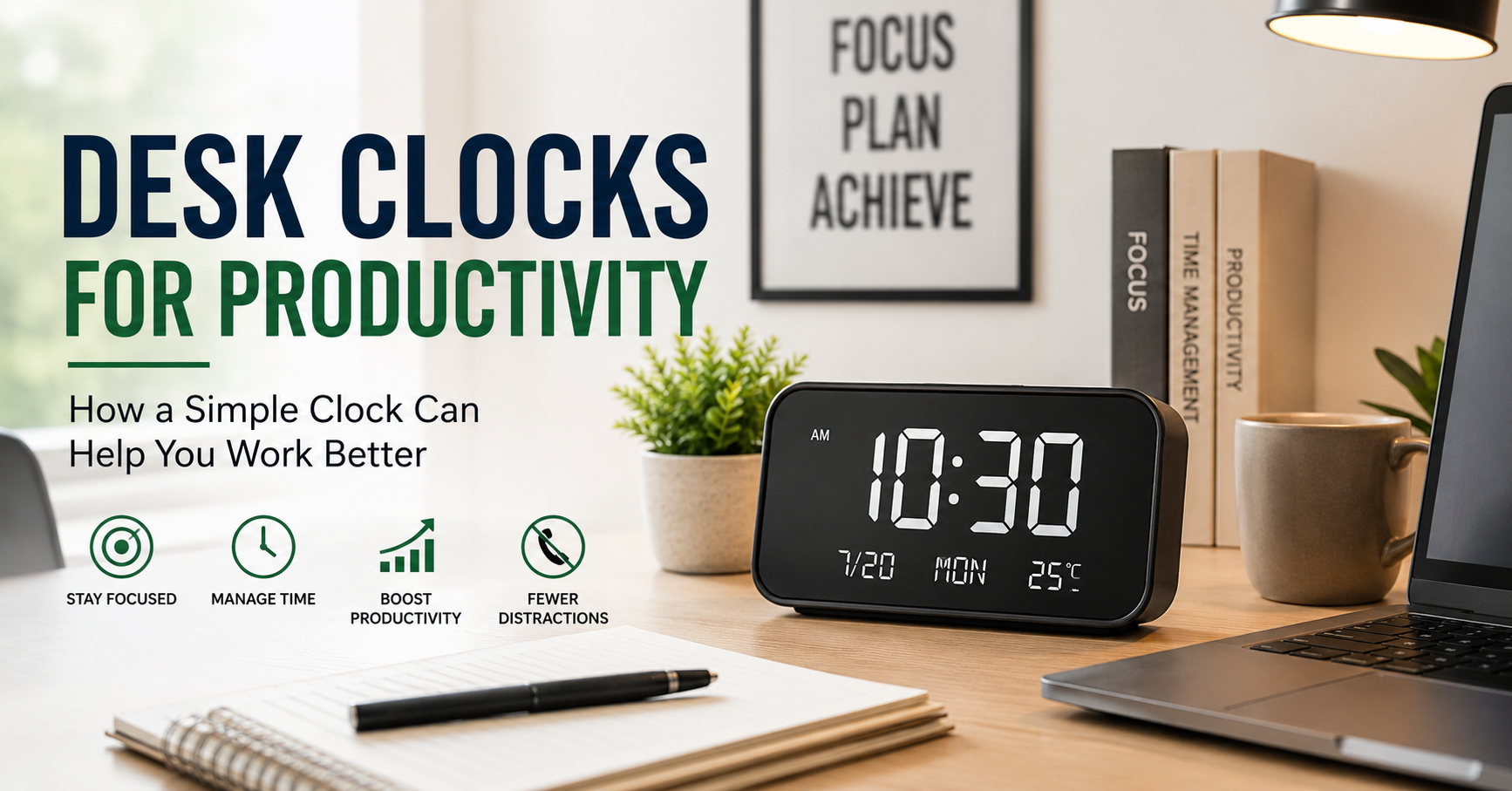
I used to keep checking the time on my phone whenever I was working at my desk.
It sounds harmless, but it created a surprisingly annoying habit. I would unlock my phone to check the time, notice a notification, quickly open an email, scroll through a message, and suddenly lose several minutes. Sometimes I would even forget why I picked up the phone in the first place.
That was when I started using a simple desk clock.
At first, I thought a desk clock would be nothing more than a decorative accessory. After using one for a while, I realized that having the time visible without reaching for my phone made my workday feel noticeably calmer. It helped me check the time quickly, plan work sessions, and stay aware of how long I had been sitting at my desk.
A desk clock will not magically make you productive. But the right one can remove small distractions and make your workspace easier to manage.
Why a Desk Clock Can Actually Improve Productivity
Most people already have several ways to check the time. There is a phone, computer, smartwatch, tablet, or wall clock nearby.
The problem is that many of these devices do more than show the time.
Your phone can show notifications. Your computer can pull you into email or social media. A smartwatch can vibrate with another alert. Even checking the time on your laptop can interrupt your concentration if you end up opening another tab.
A dedicated desk clock has one main job: showing you the time.
That simplicity can be useful when you are working on tasks that require concentration. You can quickly glance at the clock and get back to work without opening another distracting device.
For example, if I decide to spend 45 minutes writing an article, I can look at the clock before starting and check it again later. I do not need to unlock my phone or leave the document I am working on.
The benefit is small, but these small improvements can add up throughout the day.
The Best Desk Clock Depends on How You Work
There is no single “best” desk clock for everyone.
A person working in a quiet home office may want a silent digital clock. Someone who likes a traditional workspace may prefer an analog clock with a classic design. A person who works late may appreciate a clock with a dimmable display.
The important thing is to choose a clock that fits your routine instead of buying one simply because it looks impressive in a product photo.
Here are some of the most useful types to consider.
1. Digital Desk Clocks for Quick Time Checking
Digital clocks are usually the easiest option for productivity-focused workspaces.
The time is instantly readable, and many models use large numbers that can be seen from across the desk. This is particularly useful if your monitor, laptop, or other equipment blocks your view of a wall clock.
A digital desk clock can also be useful if you regularly work with deadlines. You can quickly check the exact time while writing, studying, attending meetings, or managing online work.
Some models also include features such as:
- Date display
- Temperature readings
- Multiple alarms
- USB charging
- Adjustable brightness
- 12-hour and 24-hour formats
However, I learned that extra features are not always better.
One clock I tried had so many display options that adjusting it became more complicated than necessary. The clock itself worked perfectly, but I rarely used most of the features.
For a productivity desk, I usually prefer a clear display and simple controls over a clock that tries to do everything.
2. Analog Desk Clocks for a More Traditional Workspace
Analog desk clocks have a different feel.
They can make a workspace look more classic and less like a collection of electronic devices. A well-designed analog clock can also work as part of your desk decoration.
Some people find it easier to understand the passage of time visually with an analog clock. For example, you can quickly see how much of the hour has passed without focusing on exact numbers.
This can be helpful when working in blocks.
You might start a task at 2:00 and notice that the minute hand has moved significantly by the time you look again. That visual reminder can make you more aware of how long a task is taking.
The main thing to check is readability. A beautiful clock with thin hands and a complicated face may look great on a shelf but be frustrating when you are trying to read it quickly from your chair.
3. Minimalist Desk Clocks for Clean Desk Setups
If you like a clean desk, a minimalist clock can fit naturally into your setup.
These clocks usually have simple shapes, neutral finishes, and uncluttered displays. They can sit beside a monitor, laptop stand, lamp, or small plant without making the desk look crowded.
Minimalism is not just about appearance, though.
A cluttered desk can make it harder to find things quickly. When your workspace contains too many accessories, even useful items can become visual distractions.
A compact desk clock can give you the convenience of a visible time display without taking up much space.
Before buying one, check its actual dimensions. Product images can sometimes make a clock appear smaller or larger than it really is. A clock that looks compact online may take up more desk space than expected.
4. Smart Desk Clocks for More Connected Workspaces
Smart displays and connected clocks can be useful for people who want more information in one place.
Depending on the device, you may be able to see:
- Time and date
- Weather information
- Calendar reminders
- Alarms
- Timers
- Smart home controls
These devices can be useful if you already use a smart home ecosystem.
For example, a smart display can show your upcoming schedule while you work. This may be convenient for people who have regular meetings or appointments.
However, there is a trade-off.
A smart device can become another source of notifications and distractions. If your goal is to create a calm, focused workspace, a basic clock may actually be the better choice.
This is one of the lessons I learned with desk technology: sometimes the simplest tool is the one you use most consistently.
How to Use a Desk Clock as a Productivity Tool
Buying a clock is easy. Using it effectively is where the real benefit comes from.
Here is a simple approach that works well for many desk-based tasks.
Step 1: Place the Clock Where You Can See It Naturally
Do not hide your clock behind your monitor or place it in a corner where you have to turn your head completely.
Ideally, you should be able to glance at it without interrupting your work.
For many people, a position beside the monitor works well. If you use two monitors, place the clock in the area you naturally look toward during breaks.
The goal is convenience.
Step 2: Use It to Create Simple Work Blocks
Instead of constantly checking the clock, use it to create a basic work session.
For example:
- Choose one task.
- Look at the current time.
- Work for 30 to 60 minutes.
- Check the clock when you finish or need a short break.
- Record what you completed.
You do not need a complicated productivity system.
A visible clock can be enough to make you more aware of how your time is being used.
Step 3: Combine It With a Timer When Necessary
A desk clock is not always a replacement for a timer.
If you want to work for exactly 25 minutes, use a timer app or a dedicated timer. The Pomodoro technique, for example, commonly involves focused work periods followed by short breaks.
You can use apps such as:
- Google Calendar for scheduled work blocks
- Microsoft To Do for task planning
- Todoist for organizing projects
- A simple phone or desktop timer for focused sessions
The desk clock gives you general time awareness, while the timer handles specific countdowns.
Using both can work better than expecting one device to do everything.
A Realistic Example: Using a Desk Clock While Writing
Writing is one area where I find a visible clock especially useful.
It is easy to spend an hour on a task that should have taken 20 minutes. Sometimes the problem is not the writing itself. It is checking research, opening unrelated tabs, adjusting formatting, or getting distracted by notifications.
A simple system can help:
- Start by checking the time.
- Choose one specific writing goal.
- Work without checking your phone.
- Use the desk clock to stay aware of the session.
- Take a short break after completing the work block.
For example, instead of saying, “I will work on my article this morning,” I might set a more specific goal: “I will spend the next 45 minutes writing the introduction and first section.”
That small change makes the task feel more manageable.
The clock is simply a visual reminder of the time available.
Common Mistakes People Make When Buying a Desk Clock
Choosing Appearance Over Readability
A clock may look beautiful in a staged photograph but be difficult to read from your normal sitting position.
Always consider:
- Number size
- Contrast
- Viewing angle
- Display brightness
- Distance from your chair
A stylish clock that you cannot read easily is not very useful.
Buying Too Many Features
A clock with alarms, temperature sensors, calendar functions, wireless charging, Bluetooth, and multiple display modes may sound attractive.
But ask yourself which features you will actually use.
Extra features can increase complexity and sometimes make the clock more expensive without improving your workday.
Ignoring Brightness at Night
Some digital displays are much brighter than expected.
If your desk is in a bedroom or shared space, a bright display can become annoying after dark. Look for adjustable brightness or an automatic dimming option if this is important to you.
Placing the Clock Too Close
A clock does not need to sit directly beside your keyboard.
If it is too close, you may find yourself checking it repeatedly. Place it where you can see it when needed, but not so prominently that it becomes another source of constant distraction.
Forgetting About Desk Space
Modern desks already contain a lot of equipment.
You may have a monitor, laptop, keyboard, mouse, speakers, charging cables, desk lamp, notebook, and other accessories.
Before buying a desk clock, measure the available space. A compact design may be more practical than a large decorative model.
How to Choose the Right Desk Clock for Your Setup
Before purchasing, ask yourself a few simple questions:
Do I want a digital or analog display?
Digital displays are usually faster to read. Analog clocks can provide a more traditional appearance and visual sense of time.
Will I use the clock mainly for productivity or decoration?
If productivity is the priority, focus on readability and convenient placement.
If the clock is also part of your workspace design, you can give more attention to materials, shape, and style.
Do I need alarms or timers?
If you already use your phone or computer for alarms and timers, you may not need those features on your desk clock.
Will the clock be visible during the day and night?
Think about brightness and viewing angles before buying.
Does it fit the rest of my desk?
A clock should look like part of your workspace rather than an object that was randomly added later.
My Biggest Lesson: A Desk Clock Is About Reducing Friction
The most useful desk accessories are often the ones that solve small problems.
A desk clock can help you avoid picking up your phone just to check the time. It can make work sessions easier to organize. It can remind you to take a break after sitting for too long. It can also make your desk feel more intentional and organized.
But it is important not to expect too much from it.
A clock will not fix poor time management on its own. If you constantly switch between tasks, ignore priorities, or allow notifications to interrupt your work, buying a new clock will not solve the underlying problem.
What it can do is remove one unnecessary distraction.
And sometimes, that is enough to make a workspace feel noticeably better.
Final Thoughts
A desk clock may seem like a small addition to a modern workspace, especially when almost every device already shows the time.
But that is exactly why a simple clock can be useful.
It gives you time information without opening an app, checking a notification, or getting pulled into something unrelated. For people who work from home, study, write, manage online projects, or spend long hours at a desk, that small convenience can become surprisingly valuable.
The best choice is usually not the clock with the longest list of features. It is the one that is easy to read, fits your workspace, and supports the way you actually work.
Sometimes improving your desk setup is not about adding more technology.
Sometimes it is about removing one small distraction.