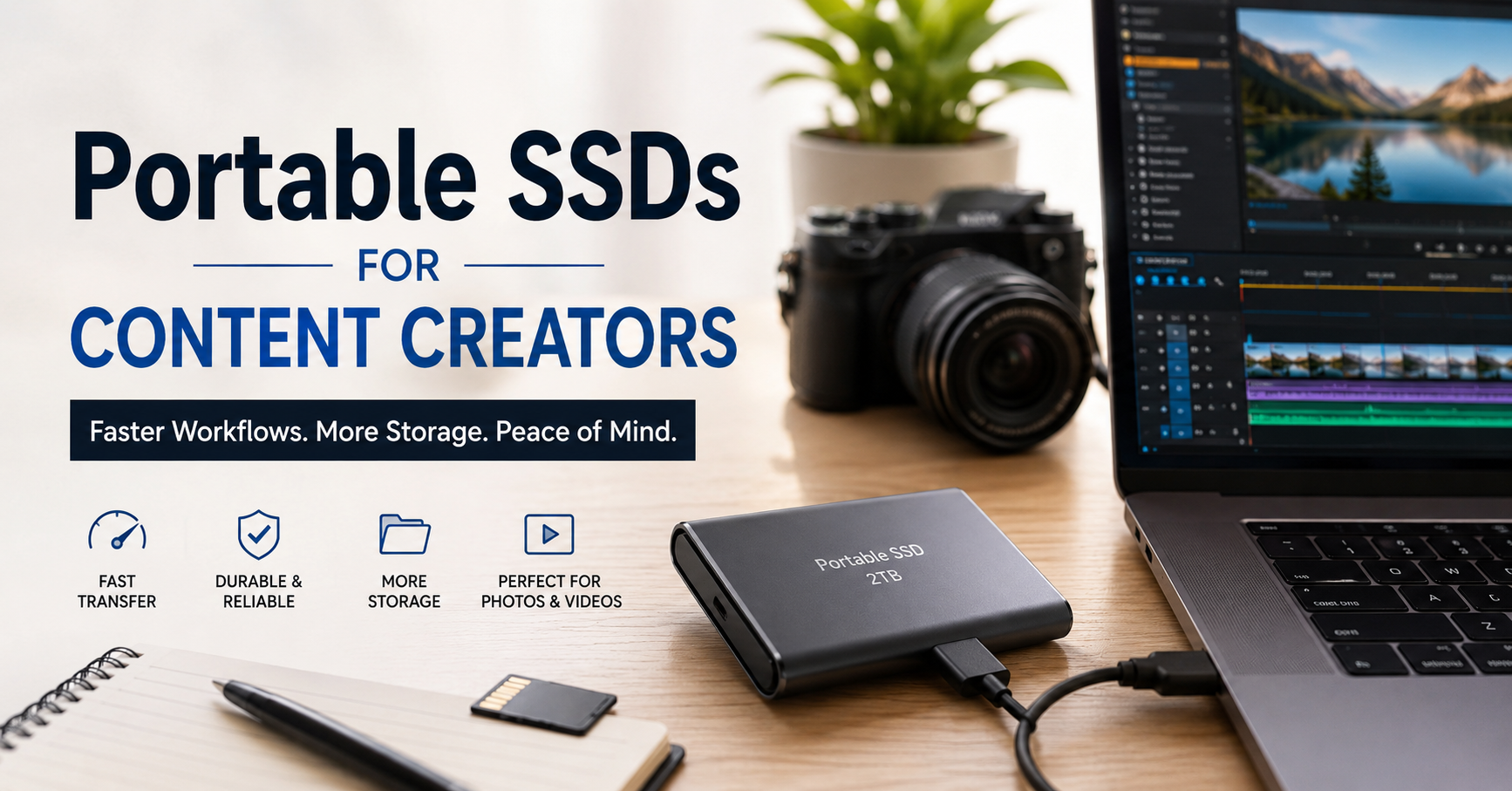
The first time I ran out of storage during an important project, I thought I could just delete a few old files and keep working. That plan lasted about five minutes.
I was editing a large batch of photos while a few 4K video clips were waiting to be imported. My laptop slowed down, storage warnings kept popping up, and transferring files between a USB flash drive and the internal SSD felt painfully slow. What should have been a quick editing session turned into an afternoon of waiting.
That experience convinced me to buy my first portable SSD.
Since then, I’ve realized that portable SSDs are more than just extra storage. They make editing smoother, backups faster, and traveling with large projects much less stressful. Whether you’re creating YouTube videos, shooting weddings, designing graphics, recording podcasts, or managing social media content, a reliable portable SSD quickly becomes one of those tools you wonder how you ever lived without.
Why Content Creators Need More Than Internal Storage
Modern cameras and smartphones produce huge files.
A few examples:
- A short 4K video can easily take several gigabytes.
- RAW photos from modern cameras are much larger than JPEGs.
- Adobe Premiere Pro, DaVinci Resolve, Lightroom, and Photoshop all create cache files that grow surprisingly fast.
- Drone footage and action cameras generate even more data during longer shoots.
Internal laptop storage fills up much faster than most people expect.
Instead of constantly deleting old work or moving files between different drives, a portable SSD gives you dedicated space for current projects while keeping your computer organized.
What Makes Portable SSDs Different?
Years ago, external hard drives (HDDs) were the affordable option. They still have their place for long-term storage, but they’re noticeably slower and more fragile.
Portable SSDs have several advantages:
- Much faster transfer speeds
- No moving mechanical parts
- Better resistance to bumps during travel
- Smaller and lighter
- Nearly silent operation
- Lower power consumption
If you’ve ever watched a progress bar crawl across the screen while copying hundreds of gigabytes, you’ll immediately notice the difference.
Real Situations Where a Portable SSD Helps
A portable SSD isn’t only for professional filmmakers.
Here are a few situations where it genuinely makes life easier.
Video Editing
Many editors now edit directly from an external SSD instead of copying everything to the computer first.
Programs like:
- Adobe Premiere Pro
- DaVinci Resolve
- Final Cut Pro
- CapCut Desktop
can all benefit from fast external storage, especially when working with large media libraries.
Photography
After a wedding or event, photographers often return home with thousands of images.
Instead of leaving memory cards full for days, photos can be copied immediately to an SSD for editing and backup.
Graphic Design
Large Photoshop files, Illustrator projects, and layered design documents can consume storage surprisingly quickly.
Keeping active projects on an SSD helps keep your internal drive uncluttered.
Travel Content
Travel creators often edit while moving between hotels, airports, or cafés.
A lightweight portable SSD easily fits into a backpack without adding noticeable weight.
Features Worth Paying Attention To
Not every SSD is the same.
Here are the features that actually matter.
Storage Capacity
Choose based on the type of work you create.
General recommendations:
- 500GB – Casual creators and photographers
- 1TB – Most YouTubers and freelancers
- 2TB – Regular 4K video editing
- 4TB or more – Professional production work
Buying slightly more storage than you currently need often saves money later.
Speed
Most manufacturers advertise impressive numbers, but actual performance depends on your computer’s USB ports.
Common interfaces include:
- USB 3.2 Gen 1
- USB 3.2 Gen 2
- USB-C
- Thunderbolt
A fast SSD connected to a slow USB port won’t reach its maximum speed.
Always check your laptop specifications before spending extra on the fastest drive.
Build Quality
Creators travel.
Drives get dropped.
Backpacks get thrown into car trunks.
A sturdy metal or reinforced rubber casing adds useful protection.
Some models even include water and dust resistance.
Heat Management
During long transfers or video editing sessions, SSDs naturally become warm.
Quality models manage heat better, maintaining consistent speeds during extended workloads.
My Simple Workflow Using a Portable SSD
After experimenting with different setups, this routine has worked well.
Step 1: Create Project Folders
Before importing anything, create folders such as:
- Footage
- Photos
- Audio
- Graphics
- Exports
- Backup
A little organization at the beginning saves a lot of searching later.
Step 2: Copy Files Immediately
As soon as a shoot is finished, transfer everything from memory cards to the SSD.
Avoid editing directly from the memory card.
Step 3: Verify the Transfer
Open a few photos and videos before formatting the memory card.
This simple habit prevents accidental data loss.
Step 4: Edit from the SSD
Modern portable SSDs are fast enough for editing many projects directly without copying them onto the laptop.
Step 5: Keep a Second Backup
An SSD should never be your only copy.
Maintain another backup on:
- An external hard drive
- A desktop computer
- Network Attached Storage (NAS)
- Trusted cloud storage
The “3-2-1 backup rule” is popular for a reason.
Useful Apps That Work Well with Portable SSDs
Several creative applications integrate perfectly with external storage.
Adobe Lightroom Classic
Store photo catalogs and originals on larger SSDs while keeping editing smooth.
Adobe Premiere Pro
Large video projects stay organized without consuming internal storage.
DaVinci Resolve
Handles high-resolution footage well when paired with a fast SSD.
Final Cut Pro
Mac users frequently edit directly from portable SSDs without noticeable slowdowns.
Capture One
Professional photographers often manage entire shoots using external SSD storage.
Common Mistakes I See People Make
Buying the Cheapest Drive Available
Low prices can be tempting, but unknown brands sometimes sacrifice reliability.
Losing important client files costs much more than saving a few dollars.
Ignoring Cable Quality
A poor-quality USB cable can reduce transfer speeds.
Using the cable included with the SSD is usually the safest choice.
Never Backing Up
Many people assume SSDs never fail.
While they’re reliable, every storage device can eventually stop working.
Important projects deserve multiple backups.
Filling the Drive Completely
Performance may decrease when an SSD is nearly full.
Leaving around 10–20% free space helps maintain consistent performance.
Forgetting Compatibility
Some drives arrive formatted for Windows, others for macOS.
If you regularly switch between operating systems, consider using a compatible file system like exFAT when appropriate.
Choosing the Right Portable SSD
Different creators have different priorities.
If You Mainly Edit Photos
A 500GB or 1TB SSD is usually enough.
Speed matters, but extreme performance isn’t always necessary.
If You Produce Weekly YouTube Videos
A 1TB or 2TB model offers a comfortable balance between storage and portability.
If You Shoot Weddings or Commercial Projects
Larger capacities reduce the need to constantly move completed work to archive storage.
If You Travel Frequently
Look for:
- Compact size
- Durable casing
- USB-C support
- Lightweight design
These small details become surprisingly important after carrying equipment all day.
Tips for Making Your SSD Last Longer
Portable SSDs are durable, but good habits still help.
- Safely eject the drive before unplugging it.
- Keep firmware updated when available.
- Avoid leaving it in extremely hot vehicles.
- Store it inside a protective case.
- Label project folders clearly.
- Replace worn cables promptly.
- Keep at least one additional backup of valuable work.
Is a Portable SSD Worth the Investment?
After using one for several years, I’d consider it one of the most practical upgrades for any content creator.
It doesn’t improve your camera quality or make you a better editor overnight, but it removes many of the small frustrations that interrupt creative work. Faster transfers, smoother editing, easier organization, and dependable storage all add up over time.
If you’re constantly deleting files to free up space, waiting forever for transfers to finish, or carrying multiple USB flash drives just to manage projects, a portable SSD is a worthwhile upgrade. Start with a capacity that fits your current workload, develop a consistent backup routine, and you’ll spend less time managing files and more time creating content.