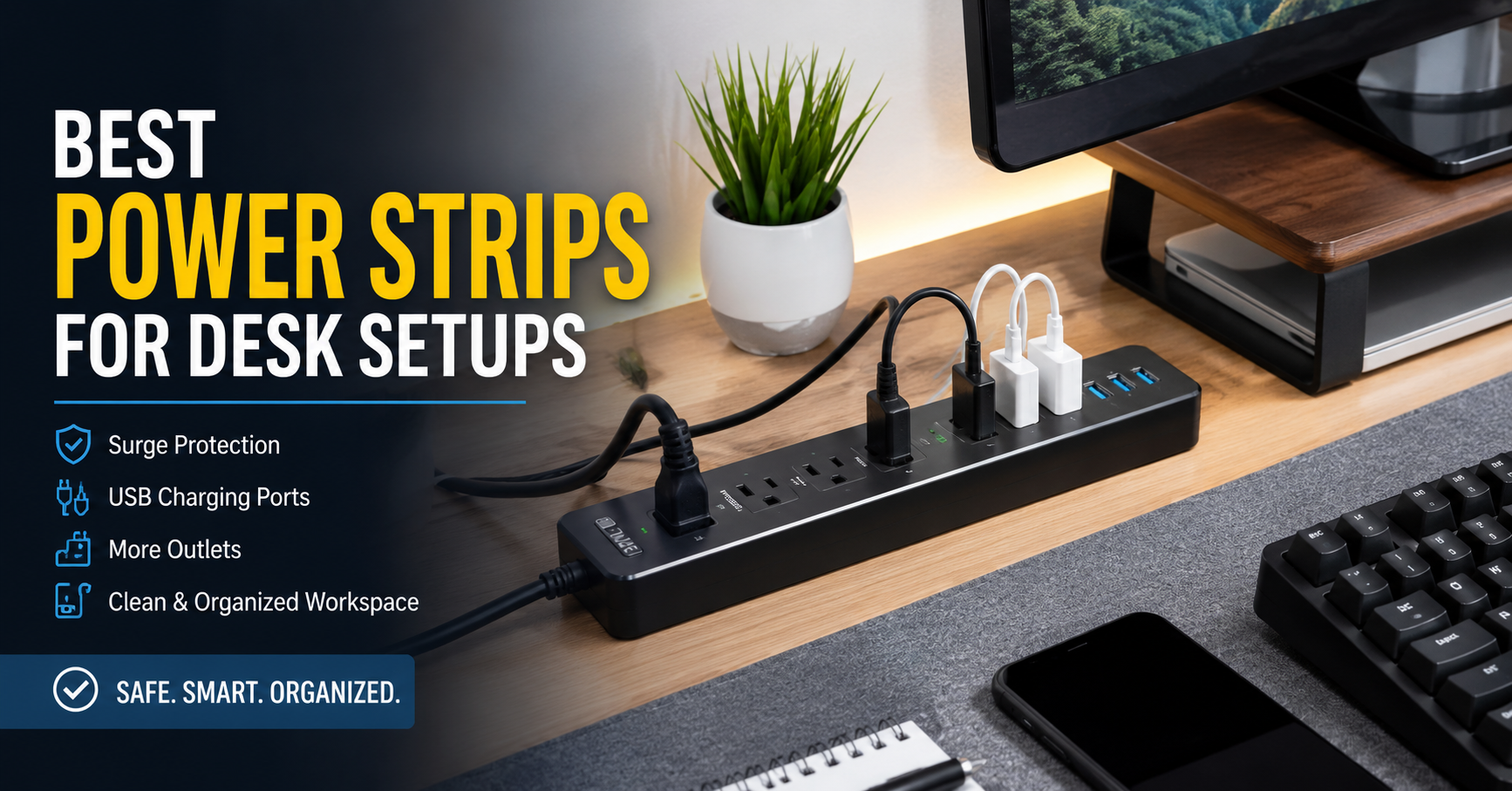
A few years ago, my desk looked like a mess. I had a laptop charger, monitor, phone charger, desk lamp, speakers, and a small fan—all fighting for space on one cheap power strip that I bought without thinking much about it.
At first, it worked fine. Then the problems started.
The plugs were too close together, so bulky adapters blocked neighboring outlets. The power strip kept sliding around whenever I unplugged something. Worst of all, it didn’t have enough USB ports, which meant I still needed extra charging bricks scattered across the desk.
That experience taught me something simple: a good power strip isn’t just about adding more outlets. It’s about making your workspace safer, cleaner, and easier to use every single day.
After trying different models for my home office and helping family members organize theirs, I realized that the right power strip can completely change how a desk feels.
Let’s look at what actually matters when choosing one.
Why a Good Desk Power Strip Matters
Many people spend hundreds of dollars on monitors, keyboards, and office chairs but continue using the cheapest extension board they can find.
That’s usually backwards.
Every important device on your desk depends on that single piece of hardware.
A quality power strip can help you:
- Keep cables organized
- Charge multiple devices at once
- Protect electronics from power surges
- Reduce desk clutter
- Reach outlets more easily
- Make your workspace safer
It’s one of those accessories you rarely think about after buying—but you’ll notice immediately if it’s a bad one.
Features That Actually Make a Difference
After testing different desk setups, these are the features I now pay attention to first.
1. Surge Protection
This is probably the most important feature.
A power surge can happen because of lightning, electrical issues, or power returning after an outage. While they don’t happen every day, they can damage expensive electronics over time.
If you’re connecting devices like:
- Laptop
- Desktop PC
- Gaming computer
- External hard drives
- Monitor
- NAS storage
Choose a power strip with built-in surge protection.
Replacing a power strip costs far less than replacing a monitor or motherboard.
2. Plenty of Space Between Outlets
This sounds small until you actually use one.
Laptop chargers often have large power bricks that cover two outlets on cheaper strips.
Wide-spaced outlets solve this problem.
Instead of losing half your available sockets, every outlet stays usable.
3. USB Charging Ports
Modern desks usually include several USB-powered devices:
- Smartphone
- Wireless earbuds
- Smartwatch
- Desk light
- Portable speaker
- Tablet
Built-in USB ports reduce clutter because you no longer need separate charging adapters.
Some newer models even include USB-C Power Delivery for faster charging.
4. Long Power Cable
One mistake I made was buying a strip with a very short cord.
My wall outlet was hidden behind furniture, so the cable barely reached.
A cable between 6 and 10 feet usually works much better for desk setups.
5. Flat Plug Design
Flat plugs sit closer to the wall.
This becomes useful if your desk is positioned against the wall or behind furniture.
It also reduces strain on the cable.
6. Mounting Options
Some power strips include mounting holes or adhesive options.
Mounting the strip underneath the desk keeps:
- Cables hidden
- Floor cleaner
- Desk surface less crowded
Once I mounted mine under the tabletop, cable management became much easier.
Best Types of Power Strips for Desk Setups
Not everyone needs the same kind of strip.
Here are the most useful options depending on your workspace.
Standard Surge Protector
Best for:
- Home office
- Student desk
- Remote work
Usually includes:
- 6–10 AC outlets
- Surge protection
- Power switch
Simple and reliable.
USB Power Strip
Perfect if you charge several mobile devices daily.
Instead of using five charging bricks, everything plugs directly into one strip.
This works especially well for minimal desk setups.
Tower Power Strip
Tower designs place outlets vertically.
Benefits include:
- More spacing
- Smaller footprint
- Easier cable routing
These are surprisingly convenient if desk space is limited.
Clamp-On Desk Power Strip
These attach directly to the edge of your desk.
Advantages:
- Easy access
- No bending under the desk
- Cleaner appearance
I especially like these for standing desks.
Smart Power Strip
Smart strips can connect with home automation systems.
Some features include:
- Voice control
- Scheduling
- Remote power control
- Individual outlet management
If you already use smart home devices, this can be a nice upgrade.
My Favorite Brands
While many brands make decent power strips, these have consistently earned good reputations for quality and safety.
Belkin
Known for dependable surge protection and durable construction.
Great for home offices.
Anker
Excellent USB charging performance.
Their newer USB-C models are especially convenient.
APC
A trusted name in power protection.
Often recommended for computers and networking equipment.
Tripp Lite
Popular among IT professionals.
Built for reliability and heavy daily use.
UGREEN
Offers modern designs with USB-C charging and clean aesthetics.
Works well for minimalist desks.
How Many Outlets Do You Actually Need?
This depends on your setup.
Here’s a typical work desk:
- Laptop charger
- Monitor
- Desk lamp
- Phone charger
- Speaker
- Printer
- External hard drive
- Fan
That’s already eight devices.
If you expect your setup to grow, buy a strip with more outlets than you currently need.
It’s much easier than replacing it later.
Step-by-Step: Setting Up a Cleaner Desk
After reorganizing several workspaces, this routine has worked every time.
Step 1
List every device that needs power.
Don’t forget chargers and accessories.
Step 2
Count the total outlets you’ll need.
Add two extra for future devices.
Step 3
Place the power strip where cables naturally reach.
Avoid stretching cords across walking paths.
Step 4
Bundle similar cables together using reusable Velcro straps.
They’re much easier to adjust than zip ties.
Step 5
Label chargers if several people use the same workspace.
A simple label saves plenty of guessing later.
Step 6
Keep heavy power adapters at the ends of the strip whenever possible.
This prevents blocking nearby outlets.
Common Mistakes to Avoid
Buying the Cheapest Option
Low-cost power strips sometimes skip important safety features.
Saving a few dollars isn’t worth risking expensive electronics.
Overloading the Strip
Every power strip has a maximum load.
High-power appliances like space heaters, microwaves, or electric kettles shouldn’t share the same strip with sensitive electronics unless the strip is specifically rated for that use.
Always check the manufacturer’s load rating.
Daisy Chaining
Avoid plugging one power strip into another.
This can increase the risk of overheating and is generally discouraged by electrical safety guidelines.
Ignoring Cable Management
Even the best power strip won’t help if cables are tangled everywhere.
Cable clips, sleeves, and Velcro ties make a noticeable difference.
Blocking Airflow
Don’t bury power strips under blankets, papers, or thick rugs.
They need proper ventilation to dissipate heat.
Real Desk Setup Examples
Remote Work Desk
Equipment:
- Laptop
- External monitor
- Webcam
- Desk lamp
- Phone charger
A surge protector with USB ports is usually enough.
Gaming Desk
Equipment:
- Gaming PC
- Two monitors
- Speakers
- LED lighting
- Console
- Charging dock
Look for a strip with at least eight outlets and strong surge protection.
Student Study Desk
Equipment:
- Laptop
- Tablet
- Phone
- Reading lamp
A compact strip with USB-A and USB-C ports keeps everything charged without taking up much space.
Extra Tips That Help Every Day
A few small habits have made my workspace more enjoyable:
- Dust the power strip occasionally to keep vents clear.
- Unplug devices you won’t use for weeks.
- Replace damaged power strips immediately.
- Keep liquids away from electrical outlets.
- Use cable clips to prevent cords from falling behind the desk.
- Leave one outlet free for temporary devices like visitors’ chargers or a soldering iron if you work on electronics.
These habits don’t take much effort, but they help keep your setup safer and easier to use.
Are Smart Power Strips Worth It?
If all you need is extra outlets, probably not.
But if you regularly forget to turn off speakers, desk lights, or chargers, a smart power strip can save time.
I like using schedules so desk lighting turns off automatically at night. It isn’t a necessity, but it’s a nice convenience once it’s set up.
Final Thoughts
A power strip may not be the most exciting upgrade for a desk, but it’s one of the most practical. The right one can reduce cable clutter, protect valuable electronics, and make everyday tasks a little smoother.
If you’re starting from scratch, focus on safety first: choose a model with surge protection, enough well-spaced outlets, and a cord that comfortably reaches your wall outlet. From there, features like USB charging, USB-C, or smart controls are worthwhile extras based on how you work.
After replacing my old, overcrowded strip with one designed for modern desks, the difference was immediate. My cables were easier to manage, charging became simpler, and I stopped crawling under the desk every time I needed to plug in a new device. Sometimes the smallest upgrades are the ones you appreciate the most.