A couple of years ago, I noticed something that seemed small but kept happening every single day. I’d finish work, shut down my laptop, grab my phone, and walk away from my desk. Ten minutes later, I’d wonder, Did I turn off the desk lamp? Is the space heater still running?
More often than I’d like to admit, I’d walk back just to check.
That little habit pushed me to try a smart plug. I expected it to be one of those gadgets I’d use for a week and forget about. Instead, it quietly became one of the most useful upgrades in my home office. It didn’t make me work faster overnight, but it made my workspace feel more organized, easier to manage, and surprisingly more energy-efficient.
If you’re building a better home office, smart plugs are worth considering. They’re affordable, simple to install, and can automate everyday tasks without requiring a full smart home setup.
What Is a Smart Plug?
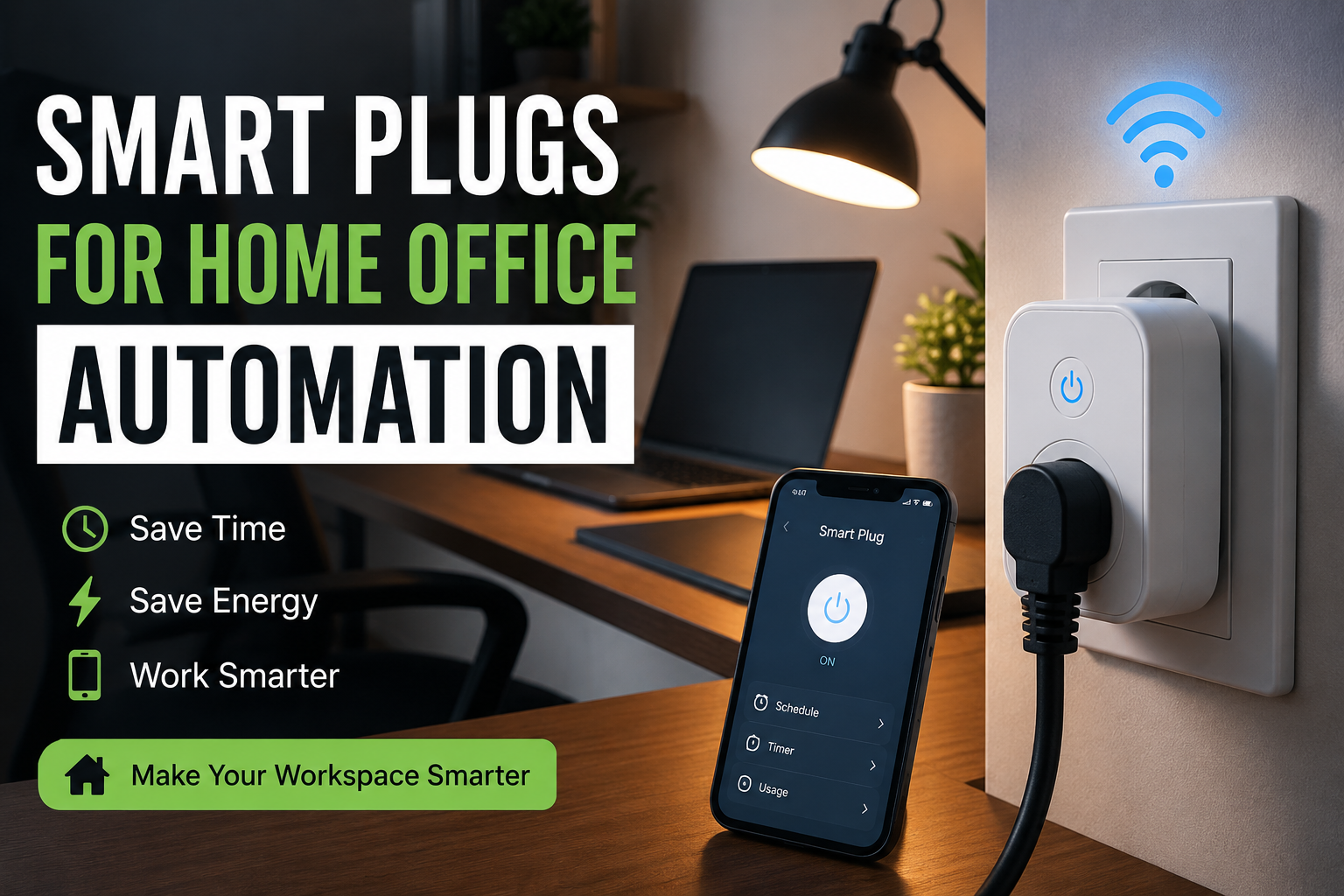
A smart plug is a small device that plugs into a regular wall outlet. You then plug another device into it, such as a desk lamp, coffee maker, fan, printer, or phone charger.
Using an app on your phone, you can:
- Turn devices on or off remotely
- Create schedules
- Set timers
- Build automation routines
- Control devices with voice assistants
Think of it as giving “smart” features to devices that normally only have a basic power switch.
Why Smart Plugs Work So Well in a Home Office
Many people assume smart plugs are only useful for turning lamps on and off. That was my assumption too.
After using them for several months, I found plenty of practical uses that actually made my workday smoother.
Start Your Morning Automatically
One of my favorite routines begins before I even sit down.
Every weekday morning:
- Desk lamp turns on
- Monitor light bar powers up
- Air purifier starts running
- Phone charging station becomes active
By the time I reach my desk, everything is ready.
It’s a small convenience, but repeating it every workday saves time and creates a routine that helps me get into work mode faster.
Reduce Energy Waste
I didn’t realize how many electronics stayed powered all day.
Things like:
- Speakers
- Monitor
- Printer
- USB chargers
- Decorative lights
Even when they’re idle, many electronics still draw a small amount of electricity.
With scheduled shutdowns, everything powers off automatically after work hours.
It’s not going to cut your electricity bill in half, but over time it helps reduce unnecessary energy use.
Control Devices Without Leaving Your Chair
During winter, I sometimes use a small space heater under my desk.
Instead of crawling under the desk every time I want to switch it on, I simply tap the app or ask my voice assistant.
The same goes for:
- Desk fans
- Lamps
- Humidifiers
- Essential oil diffusers
- Coffee warmers
It sounds like a luxury until you get used to it.
Then going back to manual switches feels surprisingly inconvenient.
Useful Devices You Can Connect
Not everything should be connected to a smart plug, but many office accessories work perfectly.
Here are some common examples:
Desk Lamp
One of the easiest upgrades.
Schedule it to turn on before sunrise or automatically shut off after work.
Phone Charger
Set charging schedules if you prefer your charging station to operate only during certain hours.
Air Purifier
Run it during your workday without remembering to switch it on.
Desk Fan
Perfect during warmer months.
Create a schedule so it automatically starts during your usual working hours.
Coffee Machine
Some traditional coffee makers resume brewing once power is restored.
If your coffee maker supports this behavior safely, a smart plug can have it ready before your first meeting.
Always check the manufacturer’s instructions first.
Decorative LED Lights
RGB lighting behind a monitor or desk creates a comfortable atmosphere.
Smart plugs let them switch on with the rest of your workspace.
Devices You Should Avoid
Smart plugs are helpful, but they aren’t meant for every appliance.
Avoid connecting:
- High-power electric heaters beyond the plug’s rated capacity
- Large air conditioners
- Refrigerators
- Medical equipment
- Appliances that require manual operation for safety
Always check the smart plug’s maximum power rating before connecting any device.
Setting Up a Smart Plug
The first installation usually takes less than ten minutes.
Here’s the general process.
Step 1: Plug It In
Insert the smart plug into a wall outlet.
Wait until its indicator light begins blinking.
Step 2: Download the App
Most brands have their own apps.
Examples include:
- TP-Link Tapo
- Kasa Smart
- Meross
- Smart Life
- Amazon Alexa (for compatible devices)
Create an account if required.
Step 3: Connect to Wi-Fi
Most smart plugs work with a 2.4 GHz Wi-Fi network.
Follow the instructions inside the app.
Step 4: Name Your Device
Instead of “Plug 1,” choose something descriptive.
Examples:
- Desk Lamp
- Printer
- Office Fan
- Charging Station
This makes voice control much easier.
Step 5: Create Schedules
Now the fun begins.
Set routines like:
- Lamp on at 7:30 AM
- Fan off at 5:30 PM
- Charger off at midnight
- Decorative lights on after sunset
Once configured, everything happens automatically.
Voice Control Makes It Even Better
If you already use a smart speaker, controlling your office becomes even easier.
You can say things like:
- “Turn on the office lights.”
- “Switch off the desk fan.”
- “Power the printer.”
After a while, these commands become second nature.
Automation Ideas That Actually Help
Instead of complicated smart home routines, I prefer simple automations that solve everyday annoyances.
Workday Routine
At 8:00 AM:
- Desk lamp turns on
- Monitor light powers up
- Air purifier starts
- Phone charger activates
Everything is ready before work begins.
Focus Session
During deep work:
- Turn on desk lamp
- Switch on white noise machine
- Turn off decorative lighting
One tap creates a distraction-free environment.
End-of-Day Routine
At 6:00 PM:
- Desk lamp switches off
- Speakers power down
- Printer shuts off
- Fan turns off
This acts as a gentle reminder that the workday is over.
Features Worth Looking For
Not every smart plug offers the same features.
Here are the ones I find genuinely useful.
Scheduling
Probably the most valuable feature.
Set fixed times for devices to turn on or off automatically.
Timers
Great for devices you don’t want running indefinitely.
For example:
Turn the fan on for one hour, then shut it off automatically.
Energy Monitoring
Some models show how much electricity connected devices consume.
This helped me discover which office equipment stayed active longer than expected.
Away Mode
This randomly switches lights on and off while you’re away from home.
It’s mainly useful for home security, but it’s a nice bonus.
Voice Assistant Support
Compatibility with:
- Amazon Alexa
- Google Assistant
- Apple HomeKit (on supported models)
adds hands-free convenience.
Common Mistakes to Avoid
After trying several smart plugs, I learned a few lessons.
Buying the Cheapest Option
The least expensive plug isn’t always the best.
Reliable apps and stable Wi-Fi connections matter more than saving a few dollars.
Ignoring Power Ratings
Every plug has a maximum electrical load.
Always check whether your device falls within that limit.
Giving Devices Confusing Names
“Plug A” and “Plug B” become confusing quickly.
Use names you’ll actually remember.
Depending Only on Automation
Automation is convenient, but occasionally verify that schedules are still working after app updates or Wi-Fi changes.
Are Smart Plugs Secure?
This question comes up often.
The safest approach is to:
- Buy from reputable brands.
- Keep the app updated.
- Use a strong Wi-Fi password.
- Enable two-factor authentication if it’s available.
- Update device firmware when prompted.
Like any connected device, basic security habits go a long way.
Is It Worth Buying More Than One?
I originally bought a single smart plug for my desk lamp.
Within a few months, I added more.
Not because I needed every gadget to be “smart,” but because automating repetitive tasks became genuinely useful.
If you’re just starting, one or two plugs are enough to see whether they fit your routine. You don’t need to automate everything at once.
Final Thoughts
Smart plugs aren’t flashy, and they won’t completely transform your productivity. What they do offer is a smoother daily routine. They remove little interruptions, help reduce forgotten devices, and make your workspace feel more intentional.
If you’ve ever left your desk wondering whether the lamp is still on, wished your fan could start before your afternoon meeting, or wanted your workspace to be ready when you sit down, a smart plug is a simple upgrade that delivers real value.
Start with a single plug connected to your desk lamp or fan. Use it for a week, experiment with schedules, and see how it fits your workflow. You might be surprised that one of the smallest gadgets in your office ends up being one of the most useful.