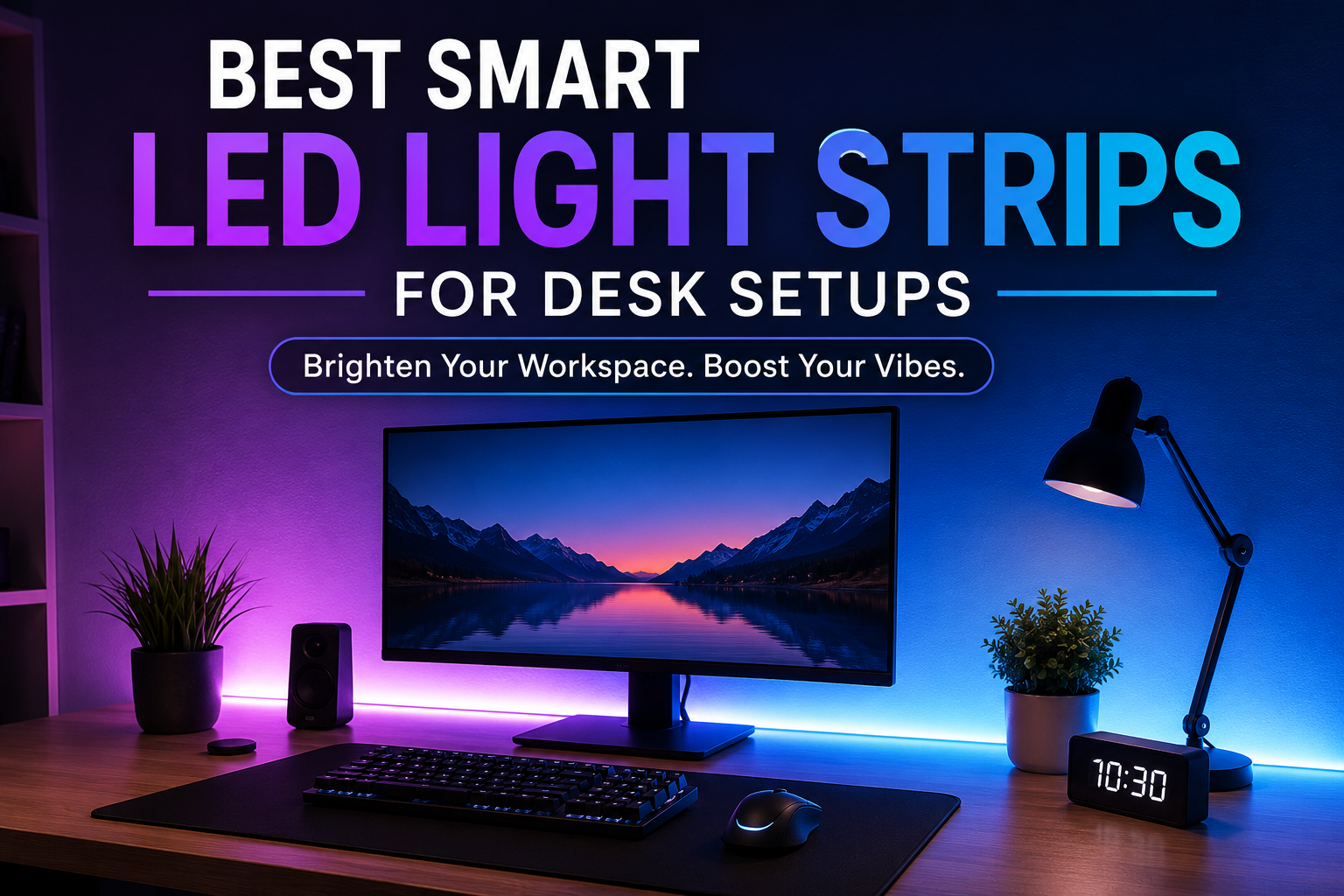
I used to think RGB lighting was just for gaming photos on social media. My desk had a basic monitor, a keyboard, and a cheap desk lamp. It worked, but after a few hours of work, the setup always felt dull, and I found myself getting tired faster than I expected.
One weekend, I decided to add a smart LED light strip behind my desk. I honestly wasn’t expecting much. After installing it properly and adjusting the brightness instead of blasting rainbow colors everywhere, the entire workspace felt different. The monitor looked easier on my eyes at night, the room felt more inviting, and even simple tasks like writing or editing became more enjoyable.
The funny part is that my first purchase wasn’t even a good one. I bought the cheapest LED strip I could find, and within a month, several LEDs stopped working. The adhesive also kept peeling off the desk. That experience taught me that spending a little more on a quality smart LED strip is worth it.
If you’re planning to upgrade your workspace, here are some of the best smart LED light strips for desk setups and what you should actually look for before buying one.
Why Add Smart LED Light Strips to Your Desk?
LED light strips aren’t just decoration anymore. A good smart strip can improve the atmosphere of your workspace without making it feel distracting.
Some benefits I’ve personally noticed include:
- Less eye strain during evening work
- Better-looking video calls
- A cleaner and more premium desk appearance
- Easy automation with voice assistants
- Different lighting modes for work, gaming, or relaxing
The biggest surprise was how much better bias lighting made my monitor feel during long editing sessions.
Features That Actually Matter
Many LED strips advertise dozens of features you’ll probably never use. These are the ones that make a real difference.
Brightness
A brighter strip gives you more flexibility. You can always lower the brightness, but you can’t make a dim strip brighter.
Color Accuracy
Cheap strips often produce washed-out colors.
Higher-quality strips display cleaner whites, richer blues, and smoother transitions.
Smart Home Support
Look for compatibility with:
- Google Assistant
- Amazon Alexa
- Apple HomeKit
- SmartThings
Voice control becomes surprisingly convenient once you get used to it.
Music Sync
This feature sounds gimmicky until you actually use it during movies or gaming.
Not essential for work—but definitely fun.
App Quality
A good mobile app makes scheduling, color selection, automation, and firmware updates much easier.
Poor apps quickly become frustrating.
Best Smart LED Light Strips for Desk Setups
1. Philips Hue Lightstrip Plus
If budget isn’t your biggest concern, this is easily one of the best choices.
Pros
- Excellent brightness
- Outstanding color quality
- Reliable app
- Works with nearly every smart home platform
- Long lifespan
Cons
- Expensive
- Hue Bridge may be required for advanced features
This strip creates incredibly smooth lighting behind monitors and large desks.
Best for:
- Professional workstations
- Home offices
- Premium desk setups
2. Govee RGBIC LED Strip Lights
This is the one I recommend most often because it balances price and features extremely well.
RGBIC technology allows multiple colors on the strip at the same time instead of showing only one solid color.
Pros
- Great value
- Bright colors
- Excellent app
- Voice assistant support
- Scene presets
Cons
- Some advanced features vary by model
The Govee app is surprisingly polished and lets you create custom scenes with very little effort.
Best for:
- Most desk setups
- Gaming
- Streaming
- Students
3. Nanoleaf Essentials Lightstrip
Nanoleaf focuses on clean smart home integration.
Its whites look especially natural, making it useful for productivity instead of just colorful effects.
Pros
- Excellent white lighting
- HomeKit support
- Easy automation
- High-quality build
Cons
- Premium pricing
Ideal if your workspace doubles as a home office.
4. TP-Link Kasa Smart LED Strip
TP-Link keeps things simple.
The app is easy to use, and setup usually takes only a few minutes.
Pros
- Reliable
- Great beginner option
- Voice control
- Scheduling
Cons
- Fewer advanced lighting effects
If you mainly want comfortable desk lighting without spending hours customizing colors, this is a solid pick.
5. WiZ Smart LED Strip
WiZ offers many smart features without requiring an additional hub.
Pros
- Budget-friendly
- Good app
- Easy installation
- Voice assistant support
Cons
- Colors aren’t quite as vibrant as premium brands
For smaller desks or first-time buyers, it’s a practical option.
Which One Should You Buy?
Here’s a quick comparison based on different needs.
| Need | Recommended Choice |
|---|---|
| Best Overall | Govee RGBIC |
| Premium Quality | Philips Hue |
| Apple Home Users | Nanoleaf Essentials |
| Budget Option | WiZ Smart Strip |
| Simple Smart Lighting | TP-Link Kasa |
How to Install LED Light Strips Properly
One mistake many people make is sticking the strip directly onto a dusty surface.
I learned this the hard way when half of mine fell off after a week.
Here’s a better approach.
Step 1
Clean the desk thoroughly with rubbing alcohol.
Let it dry completely.
Step 2
Measure the desk before peeling off the adhesive.
Don’t guess.
Step 3
Stick the strip slowly instead of pressing everything down at once.
This helps avoid crooked placement.
Step 4
Hide cables using adhesive cable clips.
A clean setup makes a huge difference.
Step 5
Connect the strip to the app before organizing everything.
Updating firmware is much easier while everything is still accessible.
Best Lighting Colors for Different Activities
One thing I didn’t expect was how much color affected my mood.
These combinations work well.
Working
- Soft white
- Warm white
- Light blue
These reduce distractions while keeping the workspace comfortable.
Gaming
- Purple
- Cyan
- Deep blue
- Red accents
These create an immersive atmosphere without being overwhelming.
Watching Movies
Dim warm lighting behind the monitor reduces eye strain.
Relaxing
Orange and amber tones feel much calmer than bright RGB effects.
Smart Automation Ideas
After using smart lighting for a while, automation becomes the best feature.
Some useful routines include:
Morning Routine
- Lights gradually turn on
- Bright white color
- Medium brightness
Work Mode
- Cool white lighting
- Notifications disabled
- Focus playlist starts automatically
Evening Mode
- Warm lighting
- Lower brightness
- Reduced blue light
Gaming Mode
- RGB scene activates
- Monitor and speakers power on
- Music sync enabled
Most of these can be created directly inside the manufacturer’s app.
Common Mistakes to Avoid
Buying the Cheapest Option
Very inexpensive strips often have:
- Weak adhesive
- Uneven brightness
- Poor apps
- Short lifespan
Paying slightly more usually saves money later.
Installing in Visible Areas
LED strips look much better when hidden behind:
- Monitor
- Desk edge
- Shelves
The glow should be visible—not the LEDs themselves.
Using Maximum Brightness
Many people immediately set everything to 100%.
That usually creates glare.
I keep mine around 35–50% most of the time.
Ignoring Cable Management
Even expensive lighting looks messy with tangled cables.
Velcro ties and cable clips cost very little but dramatically improve the final appearance.
Do Smart LED Strips Use Much Electricity?
Not really.
LED strips are among the most energy-efficient lighting options available.
Even if you leave them on for several hours every evening, electricity usage is generally low compared to traditional lighting. Smart scheduling can reduce power consumption even further by turning the lights off automatically when they’re no longer needed.
Are Smart LED Light Strips Worth It?
If you spend several hours each day at your desk, I’d say yes.
They’re one of those upgrades that seem optional until you’ve lived with them for a while. A well-placed LED strip doesn’t just make your setup look better—it can make late-night work sessions more comfortable, improve the feel of your workspace, and even help reduce eye fatigue when used as bias lighting.
My biggest piece of advice is to buy a strip from a reputable brand, take your time with the installation, and keep the brightness moderate. Those three small decisions make a much bigger difference than chasing hundreds of flashy lighting effects you’ll rarely use.
Whether you’re building a productive home office, a cozy study corner, or a gaming station, a quality smart LED light strip is one of the simplest upgrades that can make your desk feel more enjoyable every single day.