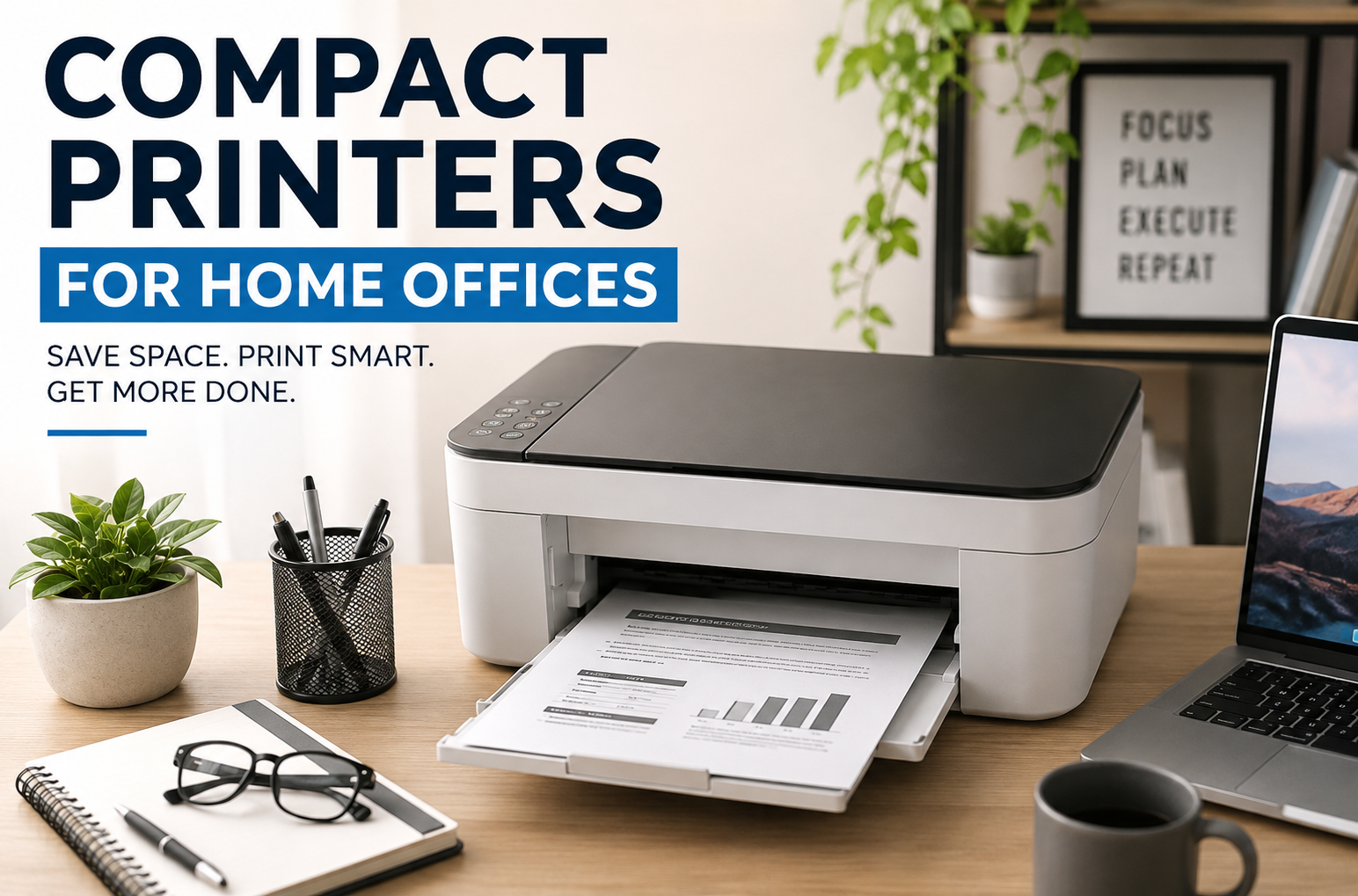
I used to think I didn’t need a printer anymore. Everything was digital, right? Then one week I had to print a shipping label, sign a contract, scan an ID, and print a few tax documents. I ended up driving to a print shop three different times. After wasting more time than I wanted to admit, I finally bought a compact printer for my home office.
That one purchase made everyday tasks much easier.
The funny part is that my first printer wasn’t even the right one. I focused on the cheapest model instead of thinking about how I actually work. It printed well enough, but it ran out of ink quickly, didn’t support automatic double-sided printing, and took forever to reconnect to Wi-Fi whenever my router restarted.
That experience taught me something simple: a compact printer isn’t just about saving desk space. It’s about choosing one that fits your daily routine.
If you’re setting up a home office or looking to replace an old printer, here’s everything I’ve learned.
Why a Compact Printer Makes Sense
Most home offices don’t have room for a large office printer. Whether you’re working from a bedroom, a small apartment, or a corner of the living room, every inch of desk space matters.
A compact printer helps because it:
- Fits on a small desk or shelf
- Uses less power
- Looks cleaner in modern workspaces
- Is easier to move if you rearrange your office
- Handles everyday printing without taking over the room
For many people, a compact printer is all they really need.
Who Should Buy a Compact Printer?
These printers work especially well for:
- Remote workers
- Freelancers
- College students
- Teachers
- Small business owners
- Etsy or online store sellers
- People who occasionally print documents, labels, or forms
If you print hundreds of pages every week, a larger office printer may be a better investment. But for most home offices, compact models offer plenty of performance.
Things I Look For Before Buying
After trying different printers over the years, I’ve learned not to focus only on the purchase price.
Instead, I check these features first.
1. Print Quality
Even basic documents should look sharp.
Look for clear text and consistent black printing. If you print presentations or photos occasionally, color quality also matters.
2. Wireless Printing
This is probably the feature I use the most.
Being able to print directly from:
- Windows laptops
- MacBooks
- Android phones
- iPhones
- Tablets
makes everyday work much easier.
Most modern printers support Wi-Fi printing through their mobile apps.
3. Automatic Duplex Printing
Printing on both sides of the paper saves money.
I didn’t think I’d use this feature often, but now I wouldn’t buy another printer without it.
4. Scanner Included
A scanner comes in handy more often than expected.
I’ve scanned:
- Signed contracts
- Passport copies
- Receipts
- Warranty cards
- School assignments
Having everything in one machine saves both money and desk space.
5. Ink Cost
The cheapest printer isn’t always the least expensive.
Some budget printers use expensive ink cartridges that need replacing frequently.
Always compare:
- Cartridge prices
- Estimated page yield
- Availability in your area
A printer with slightly higher upfront cost can save much more over time.
Inkjet vs Laser: Which Is Better?
This depends on how you work.
Inkjet Printers
Best for:
- Color printing
- Photos
- School projects
- Mixed home use
Pros:
- Affordable upfront
- Better color quality
- Smaller designs
Cons:
- Ink can be expensive
- Cartridges may dry out if unused
Laser Printers
Best for:
- Text documents
- Business paperwork
- Frequent printing
Pros:
- Fast printing
- Sharp text
- Toner lasts much longer
Cons:
- Usually more expensive
- Color laser models cost more
- Slightly larger than many inkjets
If your work mostly involves Word documents and PDFs, a compact laser printer can be an excellent long-term investment.
Helpful Features That Make Daily Life Easier
Some features don’t sound exciting until you start using them.
Mobile Printing
Printing directly from your phone is surprisingly convenient.
I’ve used it for:
- Airline boarding passes
- Shipping labels
- Event tickets
- Forms sent through email
Cloud Printing
Many printers connect with cloud services, allowing you to print files stored online without transferring them between devices.
Quiet Operation
If your printer sits beside your desk, noise matters.
A quieter printer is especially helpful during online meetings or late-night work sessions.
Automatic Document Feeder (ADF)
If you regularly scan multiple pages, an ADF saves a lot of time.
Instead of placing each page individually, you load the stack once and let the printer handle the rest.
Popular Compact Printer Brands
Several manufacturers consistently make reliable compact printers.
HP
HP offers a wide range of compact printers suitable for home offices.
Their mobile app is generally easy to use, making wireless printing straightforward.
Best for:
- Everyday home use
- Students
- Families
Canon
Canon printers are well known for excellent color output.
They’re a good option if you print both documents and photos.
Epson
Epson’s EcoTank series is especially popular because the refillable ink tanks can significantly reduce printing costs over time.
This makes them attractive for people who print regularly.
Brother
Brother compact laser printers have earned a strong reputation for reliability.
They’re a favorite among many remote workers who mainly print black-and-white documents.
Real Home Office Situations
Here are a few examples where a compact printer proves useful.
Remote Employee
A remote employee occasionally prints contracts, meeting notes, and expense reports.
A wireless all-in-one printer handles everything without occupying much desk space.
Online Seller
Someone selling products online regularly prints:
- Shipping labels
- Packing slips
- Return forms
A fast printer quickly becomes one of the most-used tools in the workspace.
Student
Students often need to print:
- Essays
- Research papers
- Class notes
- Assignment instructions
Having a printer nearby eliminates last-minute trips to campus or a copy shop.
Freelancer
Designers, writers, consultants, and accountants often need printed drafts or signed paperwork.
A compact all-in-one printer easily handles these occasional tasks.
Step-by-Step: Choosing the Right Compact Printer
If you’re unsure where to start, follow this simple process.
Step 1
Estimate how many pages you print each month.
Occasional users have different needs than someone printing every day.
Step 2
Decide whether you need color printing.
If you only print invoices and contracts, monochrome laser printers may save money.
Step 3
Measure your available desk or shelf space.
Compact printers vary more in size than many people expect.
Step 4
Check wireless compatibility.
Make sure it supports your laptop, phone, and operating system.
Step 5
Compare ink or toner costs before buying.
This often matters more than the printer’s purchase price.
Step 6
Read long-term user reviews.
Pay attention to comments about:
- Reliability
- Paper jams
- Wi-Fi stability
- Ink consumption
- Customer support
These details reveal much more than marketing pages.
Common Mistakes to Avoid
Buying Based Only on Price
My first printer taught me this lesson.
A slightly more expensive model often offers lower long-term operating costs.
Ignoring Replacement Ink Prices
Some printers are inexpensive because manufacturers expect to earn money from cartridge sales.
Always check refill costs before purchasing.
Forgetting About Paper Capacity
If you print frequently, constantly refilling paper trays becomes annoying.
Choose a model with enough capacity for your workload.
Overpaying for Features You’ll Never Use
Not everyone needs:
- Fax capability
- Large touchscreen displays
- High-volume business features
Buy according to your actual needs rather than the longest feature list.
Placing the Printer in a Poor Location
Avoid squeezing the printer into a cramped corner where opening the scanner lid or loading paper becomes difficult.
Leave enough room around it for comfortable everyday use.
Simple Tips to Keep Your Printer Running Well
A little maintenance goes a long way.
- Print a page every week if you have an inkjet printer to help prevent ink from drying in the nozzles.
- Keep paper stored in a dry place to reduce jams.
- Use the printer’s built-in cleaning tools if print quality starts to fade.
- Update the printer’s firmware through the manufacturer’s app when updates are available.
- Clean dust from the paper tray and scanner glass every few weeks.
These small habits can help your printer stay reliable for years.
Is a Compact Printer Worth It?
After relying on one for several years, I don’t think of my printer as something I use every day. Instead, I think of it as something that’s always ready when I suddenly need it.
Whether it’s printing a return label before the courier arrives, scanning a signed document for work, or helping a family member with paperwork, having a compact printer nearby saves time and removes unnecessary stress.
The best compact printer isn’t necessarily the fastest or the most expensive. It’s the one that fits your space, matches your printing habits, and keeps operating costs reasonable. If you take a few minutes to compare features, ink or toner costs, and the type of documents you print most often, you’ll end up with a printer that quietly does its job whenever you need it—without taking over your home office.