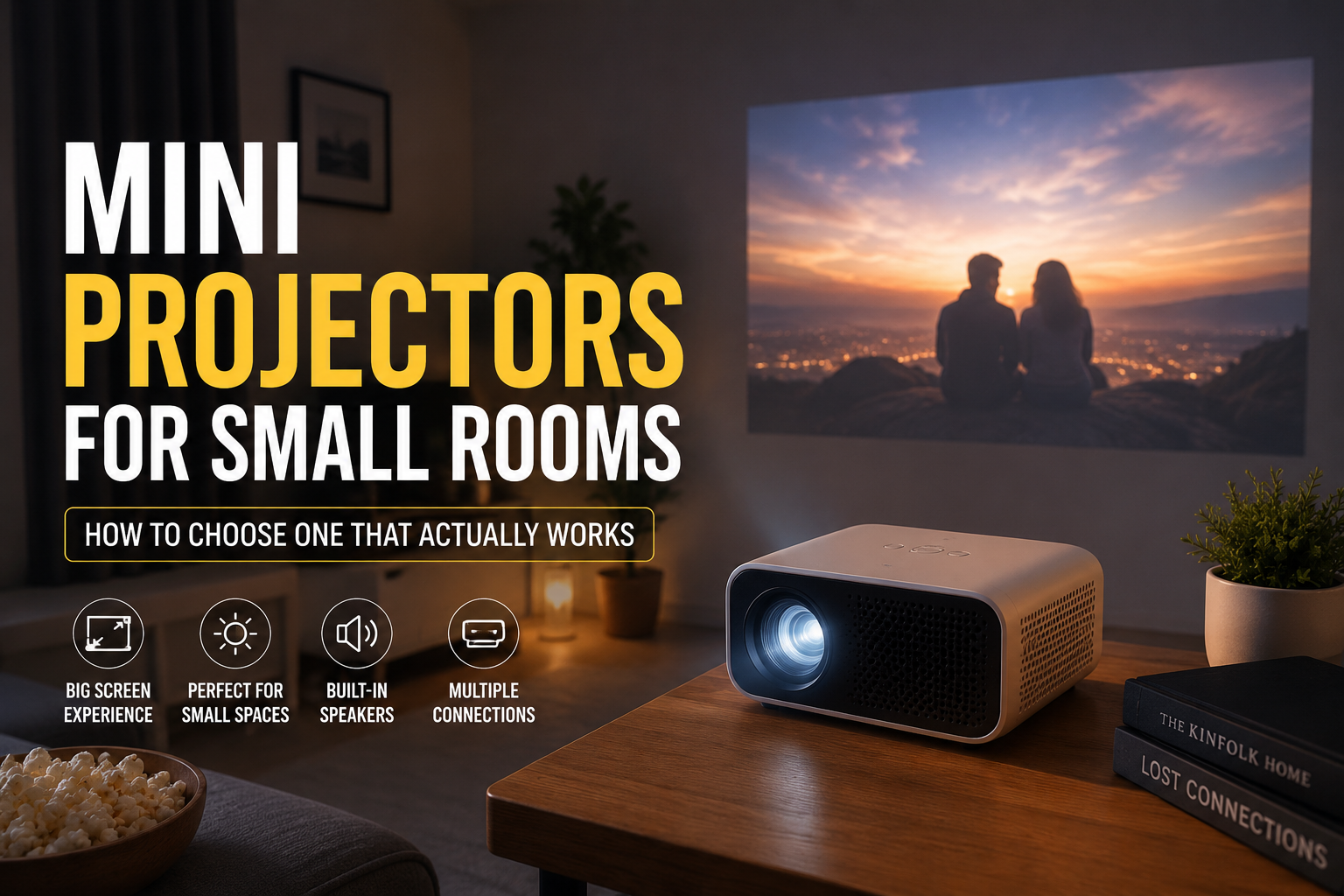
The first time I tried using a projector in a small room, I made the mistake most people make: I assumed a smaller room meant I needed a tiny projector.
That sounds logical, but it isn’t quite that simple.
I bought a compact projector, placed it on a small table, and expected a huge movie-screen experience. Instead, I spent more time adjusting the angle, moving furniture, and trying to get the picture properly focused than actually watching anything.
The problem wasn’t necessarily the projector. The room was small, the throw distance was limited, and I hadn’t thought carefully about how the projector would fit into the space.
After trying different setups, I learned that the best mini projector for a small room isn’t simply the smallest model you can find. You need the right combination of picture size, throw distance, brightness, sound, connectivity, and ease of setup.
If you’re thinking about adding a projector to a bedroom, apartment, dorm room, home office, or small living room, here are the things that actually matter.
Why Mini Projectors Make Sense in Small Rooms
A small room usually doesn’t have enough space for a large television or a permanent home theater setup.
A mini projector gives you more flexibility.
You can place one on a desk, bedside table, shelf, or small stand. When you’re finished watching, you can move it out of the way. Some models are small enough to fit inside a backpack, which makes them useful for movie nights in different rooms or even occasional outdoor use.
They can also create a much larger image than their physical size suggests.
A projector that takes up very little space might still produce a 70-inch, 80-inch, or larger image if you have enough distance between the lens and the wall.
But there is an important catch: the bigger the image, the more space you usually need.
That’s why projector specifications matter more in a small room than many people realize.
The Most Important Thing: Check the Throw Distance
Before buying a mini projector, measure the distance between the location where you plan to place it and the wall or screen.
This simple step can save you from buying the wrong device.
For example, imagine your room only gives you around 6 feet of space from the desk to the wall. A projector designed for a larger room may not be able to create the image size you want from that distance.
You may end up with a picture that is too small or with the projector sitting awkwardly in the middle of the room.
Look for projectors that are designed to produce a reasonably large image from a short distance.
Some compact models offer short-throw capabilities, while others simply have a lens designed for smaller spaces. Always check the manufacturer’s recommended image size and distance rather than relying on a general claim like “perfect for any room.”
A simple measurement process
Before you shop:
- Measure the distance from your likely projector position to the wall.
- Decide approximately how large you want the image to be.
- Check the projector’s throw ratio or recommended projection distance.
- Confirm whether the projector can create that image size from your available space.
- Consider where you will sit so you are not too close to a very large image.
You don’t need to become a home theater expert. A few minutes with a measuring tape can prevent a frustrating purchase.
Brightness Matters More Than I Expected
One of the biggest lessons I learned was that room lighting can completely change the projector experience.
A projector can look impressive in a dark room and disappointing in a bright one.
If you plan to watch movies at night with the lights off, a modestly bright mini projector may work well. But if you want to use it during the day with sunlight coming through a window, the image may look washed out.
This is especially noticeable with very small, inexpensive projectors.
For a small room, you may not need an extremely powerful projector. However, you should still think about how much natural and artificial light enters the room.
A bedroom with blackout curtains is much easier to work with than a bright living room with large uncovered windows.
My practical advice
If your room is usually dark, prioritize:
- Good contrast
- Resolution
- Color quality
- Quiet operation
If your room is often bright, brightness becomes much more important.
You can also improve the experience by using curtains or blinds. I found that simply reducing the light coming from a nearby window made a bigger difference than I expected.
Don’t Assume “4K Support” Means a 4K Picture
This is one of the most confusing projector marketing terms.
Some mini projectors advertise support for 4K video input. That does not necessarily mean the projector itself displays a native 4K image.
The projector may accept a 4K signal but display it at a lower native resolution.
That isn’t automatically a bad thing. A good 1080p projector can still provide a sharp and enjoyable picture for movies, streaming, gaming, and everyday use.
The important thing is to understand what you’re actually buying.
When comparing mini projectors, look for the native resolution rather than focusing only on phrases like:
- 4K supported
- 8K compatible
- Ultra HD input
For a small room, a good native 1080p projector is often a sensible choice if your budget allows it. Lower-resolution models can still be useful for casual viewing, but text and small details may appear noticeably softer.
Built-In Streaming Is Convenient, But Don’t Rely on It Completely
Many modern mini projectors include built-in smart features.
Depending on the model, you may be able to access streaming platforms through the projector’s operating system. Some devices also support screen mirroring from phones or computers.
This can be very convenient.
You can turn on the projector, connect to Wi-Fi, and start watching without adding another device.
However, smart projector software can vary significantly.
Some systems are smooth and easy to use. Others feel slow, have limited app support, or stop receiving software updates after a while.
For that reason, I prefer having multiple connection options.
Useful ports and compatibility may include:
- HDMI for streaming sticks, laptops, and game consoles
- USB for compatible media files
- Wireless screen mirroring
- Bluetooth for headphones or speakers
- Wi-Fi for smart features and streaming
A projector with a good HDMI connection gives you more flexibility if the built-in software becomes outdated.
Mini Projector Sound Is Usually the Weak Point
The built-in speaker on a mini projector can be useful, but I wouldn’t expect it to replace a dedicated speaker.
The sound is often good enough for casual YouTube videos or a quick episode of a show. But for a movie, the audio can feel thin, especially in a larger room.
In a small room, however, the built-in speaker may be perfectly acceptable if you are sitting close to the projector.
If you want a better experience, consider connecting:
- A Bluetooth speaker
- Wireless headphones
- A compact soundbar
- External powered speakers
One thing to check is audio delay.
Some Bluetooth connections can create a noticeable difference between the picture and the sound. If dialogue appears slightly out of sync, wired audio or a different connection may solve the problem.
This is one of those small issues that can be surprisingly annoying once you notice it.
Automatic Keystone Correction Is Helpful, But It Has Limits
Keystone correction allows a projector to adjust an image that is not perfectly square on the wall.
This is extremely useful in a small room because you may not be able to place the projector directly in the center.
For example, your only available location might be a side table or a shelf.
Automatic keystone correction can make setup much faster.
But there is a lesson here: correction is not a substitute for proper placement.
Heavy digital correction can sometimes reduce the usable image area or affect sharpness. If possible, position the projector as straight toward the wall as you can.
A few extra minutes spent finding a better physical position may produce a sharper image than relying entirely on automatic adjustments.
Focus: Automatic Is Convenient, Manual Can Be More Precise
Automatic focus sounds like a small feature, but it can make a big difference.
If you move the projector frequently, automatic focus is very convenient. You don’t have to spend several minutes turning a focus wheel every time you change locations.
However, automatic systems are not always perfect.
Sometimes the projector may focus on the wrong part of the image, especially if there is a lot of contrast or text on the screen.
The best experience is often a projector that offers automatic focus along with the ability to adjust it manually when needed.
Where Should You Put a Mini Projector in a Small Room?
This depends on your room layout, but there are several practical options.
1. A small table
This is the easiest setup.
You can move the projector whenever you want and access the controls easily.
The downside is that the projector may take up valuable space and cables can become messy.
2. A shelf
A shelf can be a good semi-permanent location.
It keeps the projector off the floor and away from accidental bumps. Just make sure the projector has enough ventilation.
3. A bedside table
For bedroom movie watching, this can work well.
You may need to adjust the projector angle depending on the height of your wall or ceiling.
4. A ceiling mount
This creates a cleaner setup, but it requires more planning.
You need to consider cable management, mounting compatibility, projector ventilation, and access for maintenance.
For a rental apartment or dorm room, a portable setup is usually much simpler.
Common Mistakes People Make With Mini Projectors
Buying based only on the lowest price
A cheap projector may look attractive, but extremely low-cost models can have weak brightness, poor focus uniformity, loud fans, and unreliable software.
Saving money is good. Buying a device that becomes frustrating after a week is not.
Ignoring fan noise
Mini projectors still need cooling.
Some compact models can produce a noticeable fan sound, especially during quiet scenes.
If you are sensitive to background noise, check reviews that specifically mention fan noise rather than only looking at picture quality.
Placing the projector too close to a wall
A small room doesn’t automatically mean the projector should sit right next to the wall.
The projector still needs enough distance to create the image size you want.
Using a poor wall surface
A textured or heavily colored wall can reduce picture quality.
A smooth, light-colored wall usually works better.
If you plan to use the projector regularly, a proper screen can provide a more consistent image.
Forgetting about cables
A projector may look wireless until you connect power, a laptop, a gaming console, speakers, or a streaming device.
Think about cable placement before setting everything up.
A small cable organizer can make the setup look much cleaner.
A Simple Setup Guide for a Small Room
Once you have your projector, follow these steps:
Step 1: Darken the room
Close curtains or blinds and turn off unnecessary lights.
Step 2: Position the projector
Place it on a stable surface with enough airflow around the vents.
Step 3: Aim it toward the wall or screen
Try to keep the projector as straight as possible.
Step 4: Adjust the image size
Move the projector forward or backward if possible instead of relying only on digital zoom.
Step 5: Focus the image
Use automatic focus if available, then fine-tune manually if necessary.
Step 6: Adjust keystone correction
Use the smallest amount of correction needed to make the image square.
Step 7: Connect your content source
This might be a streaming app, laptop, streaming stick, game console, or phone.
Step 8: Test both picture and sound
Don’t wait until movie night to discover that the audio is delayed or the picture is too dim.
Are Mini Projectors Good for Gaming?
They can be, but you should pay attention to input lag.
For casual gaming, a mini projector can be a lot of fun. Playing a racing game or adventure title on a large wall can feel much more immersive than using a small monitor.
Competitive gamers may prefer a gaming monitor because response time and input lag matter more.
If you play games like fast-paced shooters or competitive online titles, check the projector’s gaming performance before buying.
For casual console gaming, party games, sports games, and story-based titles, a projector can work very well in a small room.
The Best Use Cases for Small-Room Projectors
A mini projector can be particularly useful for:
- Bedroom movie nights
- Small apartment living rooms
- Dorm rooms
- Home offices
- Children’s rooms
- Casual gaming
- Presentations
- Travel
- Backyard movie nights
One unexpected benefit is flexibility.
You don’t have to dedicate an entire wall to a television. When you’re not watching anything, the wall can simply remain part of the room.
That is especially useful when space is limited.
My Final Advice Before You Buy
The best mini projector for a small room is the one that matches your actual space.
Measure the room first. Think about how dark it gets. Decide whether you need built-in streaming or plan to use a streaming stick. Consider whether the built-in speakers will be enough for you.
And don’t get distracted by impressive-sounding specifications without checking what they actually mean.
A projector with realistic brightness, a suitable throw distance, good focus, reliable connectivity, and reasonable fan noise will usually provide a better experience than a model with flashy marketing numbers but poor real-world performance.
The most satisfying setup I have seen in a small room wasn’t necessarily the most expensive one. It was the one where the projector was properly positioned, the room lighting was controlled, the image size matched the viewing distance, and the user didn’t have to fight with the setup every time they wanted to watch something.
That’s really the secret with mini projectors: choose for your room first, and the specifications second.