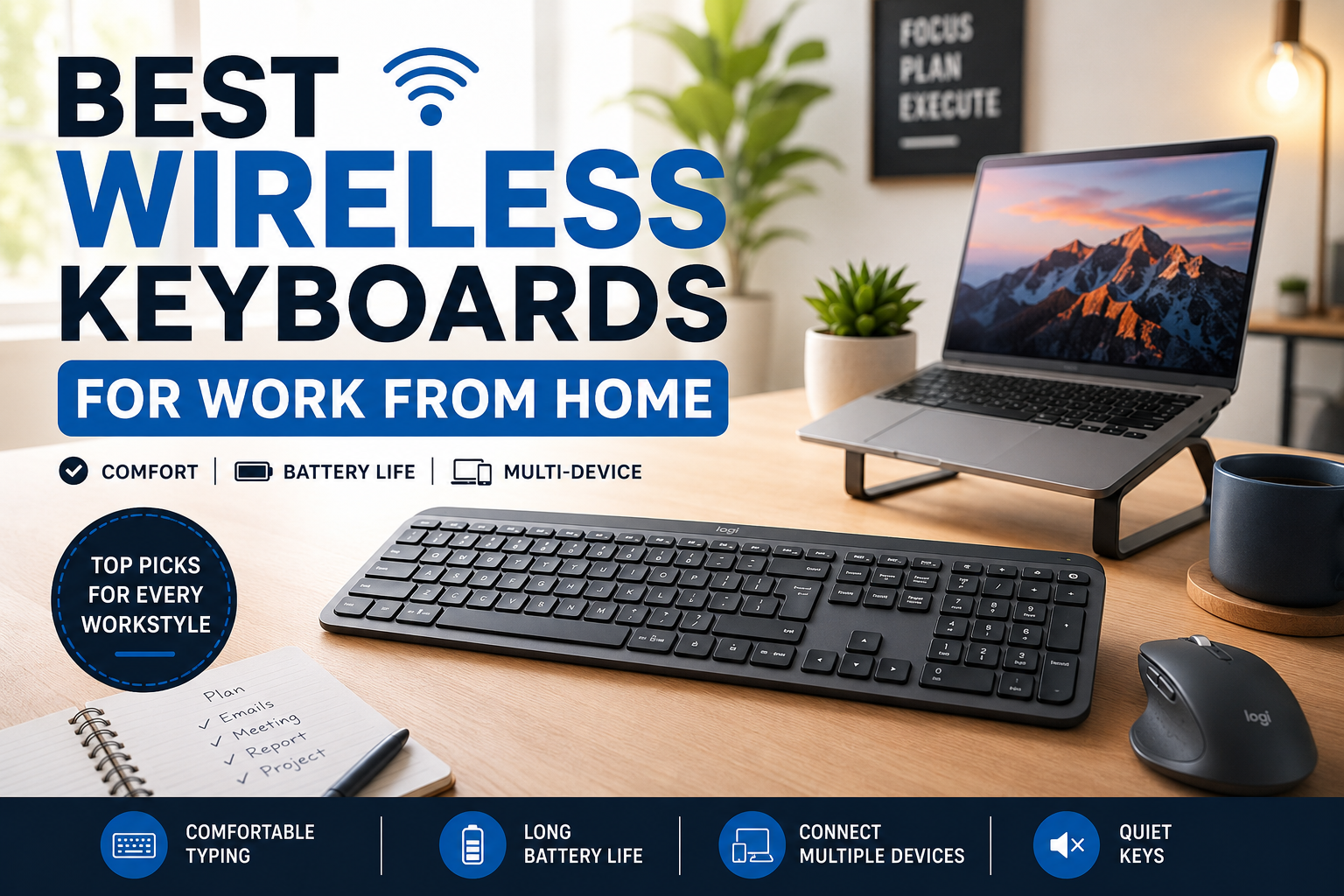
I didn’t realize how much my keyboard affected my workday until I spent eight hours typing on the cheap one that came with my desktop. By the end of every afternoon, my wrists felt sore, the keys sounded like tiny hammers, and I caught myself making more typing mistakes than usual.
At first, I blamed long work hours. Then I blamed my desk setup. It wasn’t until I borrowed a friend’s wireless keyboard for a week that everything changed. My desk looked cleaner, I could position the keyboard exactly where I wanted, and typing suddenly felt effortless.
If you work from home every day, your keyboard isn’t just another accessory. It’s one of the tools you touch the most. Choosing the right wireless keyboard can make your workspace more comfortable, improve productivity, and even reduce strain during long work sessions.
After trying several popular models and spending countless hours reading reviews and comparing features, these are the wireless keyboards that stand out for different types of remote workers.
Why a Wireless Keyboard Makes Working From Home Better
A wired keyboard isn’t necessarily bad, but removing one cable from your desk makes a surprising difference.
A wireless setup gives you more flexibility. You can move your keyboard closer when typing, push it away during video calls, or even work from the couch for a while if needed.
Some other benefits include:
- Cleaner workspace with fewer cables
- Better desk organization
- Easier to pair with multiple devices
- More comfortable positioning
- Great for standing desks and adjustable workstations
Many modern wireless keyboards also offer excellent battery life. Some last several months, while others can keep going for years on a pair of AA batteries.
What I Look for Before Buying a Wireless Keyboard
After making a few expensive mistakes, I now pay attention to these features before purchasing any keyboard.
Comfortable Typing Feel
This matters more than almost anything else.
Some keyboards have soft, quiet keys that require very little force. Others have deeper key travel that feels closer to a laptop or mechanical keyboard.
If you write emails, reports, blog posts, or code every day, comfort becomes more important than fancy features.
Reliable Wireless Connection
Nothing is more frustrating than missing keystrokes during an important meeting.
Most quality keyboards connect through Bluetooth or a USB receiver.
Bluetooth works well for laptops and tablets, while dedicated wireless receivers often provide slightly faster and more reliable performance.
Battery Life
One thing I appreciate about modern wireless keyboards is how rarely they need charging.
Rechargeable models are convenient because you simply plug them in occasionally.
Battery-powered keyboards often last one to three years before needing replacement batteries.
Multi-Device Support
Many remote workers use multiple devices throughout the day.
For example:
- Office laptop
- Personal computer
- Tablet
- Smartphone
Some keyboards let you switch between all of them with a single button. Once you get used to this feature, it’s difficult to go back.
Quiet Keys
If you attend video meetings or share your workspace with family members, quieter keyboards make everyone’s life easier.
Some mechanical keyboards sound satisfying but can become distracting during calls.
Best Wireless Keyboards for Working From Home
1. Logitech MX Keys S
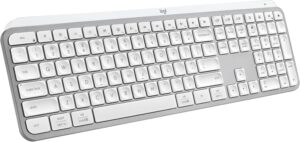
If I had to recommend just one keyboard to most people, this would probably be it.
The typing experience feels smooth without being too soft, and the slightly curved keys help reduce typing mistakes.
Highlights:
- Comfortable full-size layout
- Excellent backlighting
- USB-C rechargeable battery
- Connects to three devices
- Very quiet keys
Who it’s best for:
People who spend several hours every day typing documents, emails, spreadsheets, or articles.
2. Logitech Signature K650
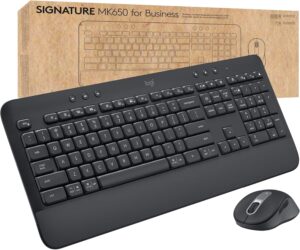
Not everyone wants to spend premium prices.
The Signature K650 offers a comfortable typing experience while remaining affordable.
It also includes:
- Built-in wrist rest
- Long battery life
- Quiet keys
- Dedicated shortcut buttons
It’s a great option for anyone upgrading from a basic office keyboard.
3. Apple Magic Keyboard
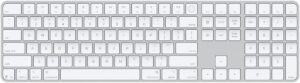
If you use a MacBook or iMac, it’s difficult to ignore Apple’s own keyboard.
The keys feel similar to modern Mac laptops, making the transition seamless.
Advantages include:
- Extremely slim design
- Rechargeable battery
- Excellent build quality
- Instant pairing with Apple devices
The only downside is the lack of adjustable typing angles.
4. Logitech Pebble Keys 2 K380s
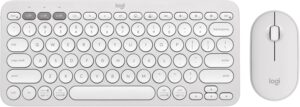
This keyboard surprised me.
I originally thought the round keys would feel awkward, but after a couple of days they became surprisingly comfortable.
It’s compact, lightweight, and perfect for smaller desks.
Ideal for:
- Students
- Freelancers
- Coffee shop workers
- People with limited desk space
5. Keychron K3 Wireless Mechanical Keyboard
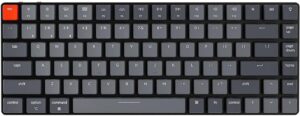
If you enjoy the satisfying feel of mechanical switches without the bulk of traditional mechanical keyboards, the Keychron K3 is worth considering.
It combines:
- Low-profile mechanical switches
- Wireless Bluetooth
- Wired USB-C option
- Mac and Windows compatibility
- Premium aluminum frame
Typing feels incredibly responsive while remaining portable.
6. Microsoft Surface Keyboard
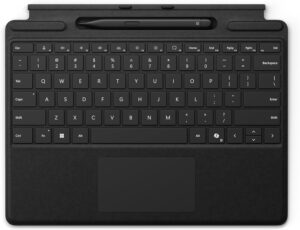 Microsoft designed this keyboard with productivity in mind.
It has:
- Spacious layout
- Quiet keys
- Comfortable typing angle
- Premium finish
- Long battery life
Windows users will feel right at home.
Which Keyboard Is Right for You?
Different people have different priorities.
Choose a full-size keyboard if you regularly use spreadsheets or number-heavy work.
A compact keyboard works well if desk space is limited or you travel frequently.
Mechanical keyboards suit people who enjoy tactile feedback.
Low-profile keyboards are usually quieter and easier on the fingers during long writing sessions.
My Simple Desk Setup That Improved Productivity
Changing my keyboard wasn’t the only improvement.
I also made a few small adjustments that made long workdays much more comfortable.
My setup now includes:
- Laptop on a stand
- External monitor at eye level
- Wireless keyboard
- Wireless mouse
- Desk mat
- Adjustable office chair
Keeping the keyboard slightly below elbow height also reduced wrist strain more than I expected.
Sometimes comfort comes from several small improvements rather than one expensive purchase.
Common Mistakes People Make
Buying Only Based on Price
The cheapest keyboard often becomes expensive if you replace it six months later.
A reliable keyboard usually lasts several years.
Ignoring Keyboard Size
Some people buy compact keyboards without realizing they frequently use the number pad.
Think about your daily tasks before choosing.
Overlooking Battery Type
Rechargeable batteries are convenient.
Replaceable batteries last much longer between changes.
Neither is better for everyone, but it’s worth deciding which fits your routine.
Forgetting Compatibility
Most keyboards support Windows and macOS, but shortcut layouts can differ.
If you regularly switch between operating systems, check compatibility first.
Choosing Looks Over Comfort
A beautiful keyboard won’t help if your hands hurt after two hours.
Comfort should always come before appearance.
Tips to Get the Most From Your Wireless Keyboard
Once you’ve picked a keyboard, a few simple habits can make it even more enjoyable to use.
Keep your keyboard centered with your monitor instead of off to one side. This small adjustment helps maintain a more natural posture.
Take short breaks every hour to stretch your fingers, wrists, and shoulders. Even one or two minutes can make a noticeable difference after a full workday.
Clean your keyboard regularly. Dust and crumbs can build up between the keys over time, making typing feel less smooth.
If your keyboard supports customizable shortcut keys, spend a few minutes setting them up. Quick access to screenshots, volume controls, or frequently used apps can save time throughout the day.
Finally, don’t be afraid to adjust your setup as your needs change. Something as simple as moving your keyboard a few inches closer or changing the typing angle can improve comfort more than you might expect.
Are Wireless Keyboards Reliable?
This question comes up often, especially from people who have only used wired keyboards.
In my experience, modern wireless keyboards are extremely dependable. Connection drops are rare with quality models, and battery life has improved dramatically over the last few years.
Unless you’re a competitive gamer who needs the absolute lowest possible input latency, a good wireless keyboard performs virtually the same as a wired one for office work, writing, video meetings, coding, and everyday productivity.
Final Thoughts
Working from home means spending countless hours with your hands on a keyboard, so it’s worth choosing one that makes those hours more comfortable. The best wireless keyboard isn’t necessarily the most expensive—it’s the one that matches how you work. Whether you need a full-size model for spreadsheets, a compact option for a small desk, or a mechanical keyboard that makes typing more enjoyable, investing in the right keyboard can make every workday feel a little smoother.
After upgrading my own setup, I noticed fewer typing mistakes, a cleaner desk, and much less hand fatigue by the end of the day. It’s one of those improvements that seems small at first but pays off every single time you sit down to work.