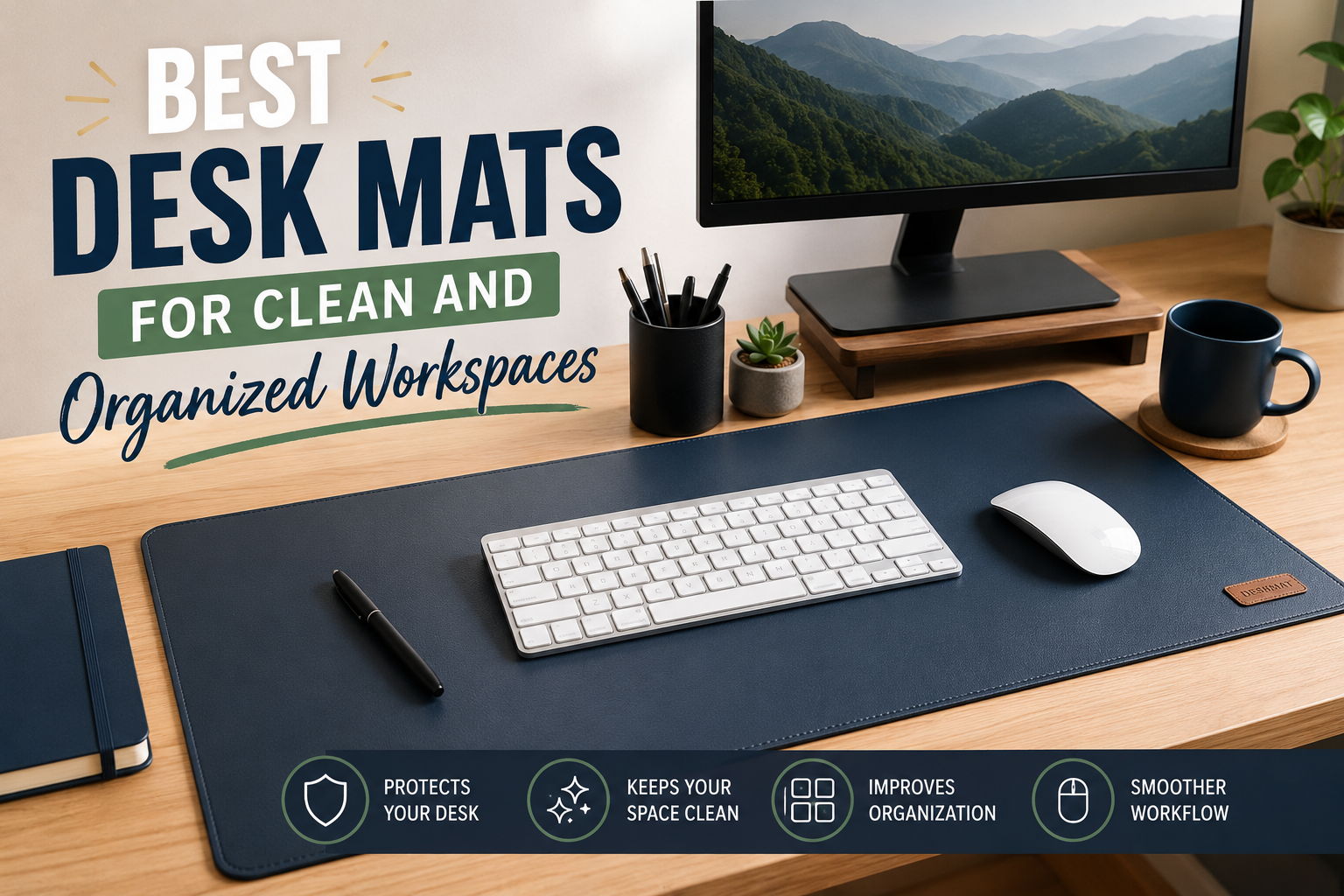
A few years ago, I thought a desk mat was just another accessory people bought because it looked nice in workspace photos. My desk already had a mouse pad, so why would I need a giant piece of material covering half the table?
Then I spilled coffee.
The coffee didn’t ruin my laptop, thankfully, but it left a stain on my wooden desk that never completely disappeared. Around the same time, I noticed my mouse would occasionally skip on the desk surface, and tiny scratches started showing up where I constantly moved my keyboard around.
That’s when I finally gave desk mats a chance.
After using different types over the years—from affordable PU leather options to premium felt and vegan leather mats—I realized they’re one of those upgrades you don’t fully appreciate until you’ve lived with one for a while. They keep your workspace cleaner, make your desk feel more organized, and even make long work sessions more comfortable.
If you’re thinking about buying one, here’s everything I’ve learned.
Why a Desk Mat Makes a Bigger Difference Than You Expect
At first glance, a desk mat seems incredibly simple. It’s just a large surface that sits underneath your keyboard, mouse, and sometimes your laptop.
But after using one daily, I noticed several benefits that weren’t obvious before.
For starters, everything on the desk stays in place better. My keyboard no longer slides around every time I type quickly. My mouse tracks more consistently because it’s always moving across the same smooth surface.
The biggest surprise, though, was how much cleaner my workspace looked.
Instead of having different textures, scratches, and random marks across the desk, the mat created one clean, organized area where everything belonged.
It also made cleaning much easier. Rather than wiping the entire desk every day, I simply cleaned the mat with a microfiber cloth.
What Makes a Good Desk Mat?
Not every desk mat is worth buying.
After trying several, these are the features that actually matter.
Size
One mistake I made was buying a mat that was too small.
It barely fit my keyboard and mouse, leaving no room for writing notes or resting my wrists.
A larger mat instantly felt better because it gave everything a dedicated place.
Popular sizes include:
- Small (around 60 × 30 cm)
- Medium (80 × 40 cm)
- Large (90 × 40 cm)
- Extra-large (100–120 cm wide)
Measure your desk before ordering instead of guessing.
Material
Different materials create completely different experiences.
PU Leather
This has become my personal favorite.
It’s smooth, easy to wipe clean, and gives the desk a premium appearance.
If you occasionally drink coffee or tea while working, spills usually wipe away in seconds.
Felt
Felt mats feel warm and soft.
They’re excellent if you prefer a cozy workspace, although they collect dust more easily and aren’t ideal for liquid spills.
Cork
Cork provides a natural look and works well in minimalist setups.
It’s environmentally friendly and feels unique but may wear faster if exposed to moisture regularly.
Genuine Leather
Real leather looks fantastic and ages beautifully.
The downside is the price. It also needs occasional care to maintain its appearance.
Best Desk Mats for Clean and Organized Workspaces
After comparing dozens of popular models and trying several personally, these are the desk mats that consistently stand out.
1. Orbitkey Desk Mat
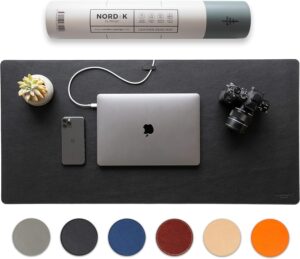
If your workspace stays relatively minimal, this is one of the most thoughtful designs available.
It includes a hidden document storage section underneath the top layer, which is surprisingly useful for keeping sticky notes, receipts, or reference papers out of sight.
Pros:
- Premium vegan leather
- Hidden storage
- Excellent build quality
- Easy to clean
Best for:
Professionals who want a premium, clutter-free desk.
2. Logitech Desk Mat Studio Series
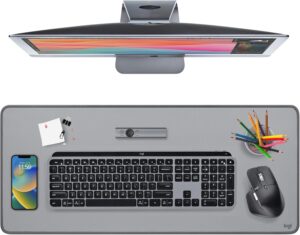
This mat balances quality and affordability very well.
Its fabric surface feels comfortable while the rubber base keeps it firmly in place.
I’ve recommended this to friends who wanted something reliable without spending too much.
Pros:
- Soft surface
- Machine washable
- Great mouse tracking
- Durable stitched edges
Best for:
Everyday office work and casual gaming.
3. Grovemade Wool Felt Desk Pad
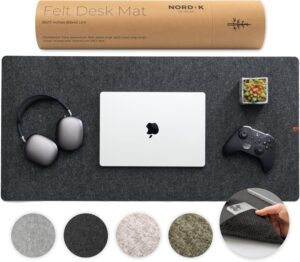
If aesthetics matter as much as functionality, this one’s difficult to beat.
The wool felt creates a warm, professional appearance that looks especially good with wooden desks.
Pros:
- Premium materials
- Elegant appearance
- Comfortable writing surface
Best for:
Minimalist home offices.
4. Aothia PU Leather Desk Pad
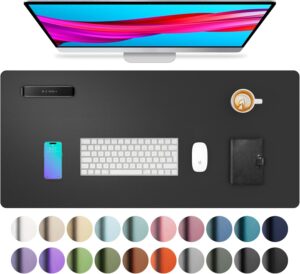
This is one of the best budget-friendly options.
Despite the lower price, it feels surprisingly premium and comes in multiple colors.
I’ve seen many people start with this mat before upgrading to more expensive options later.
Pros:
- Affordable
- Water-resistant
- Large size options
- Easy maintenance
Best for:
Students and anyone setting up a home office on a budget.
5. Nordik By Design Desk Mat
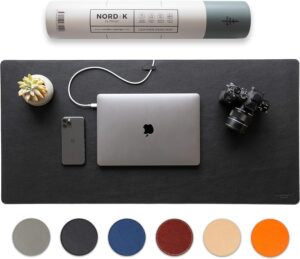
This option focuses on simplicity.
No unnecessary features—just a clean, durable desk surface that protects your desk while keeping everything organized.
Pros:
- Clean appearance
- Multiple sizes
- Comfortable texture
Best for:
Simple workspaces with modern décor.
How to Choose the Right Desk Mat
Instead of buying the most expensive option, think about how you actually use your desk.
If you mostly type and browse the web, almost any quality PU leather mat will work well.
If you write by hand often, a felt surface may feel more comfortable.
If you regularly eat lunch or drink coffee at your desk, choose something water-resistant that’s easy to wipe clean.
For gaming, make sure the surface supports accurate mouse tracking and has a non-slip base.
Setting Up Your Workspace
Once your desk mat arrives, don’t just throw everything back on top of it.
Take a few extra minutes to reorganize.
Here’s the process I now follow whenever I reset my desk.
Step 1: Remove Everything
Clear the desk completely.
This is a great opportunity to throw away old papers, empty packaging, and random cables you’ve been ignoring.
Step 2: Clean the Desk
Wipe the surface before placing the mat down.
Dust trapped underneath can create bumps over time.
Step 3: Position the Desk Mat
Leave a little space around the edges so the setup doesn’t feel cramped.
Centering the mat usually looks the cleanest.
Step 4: Add Only Daily Essentials
Place your keyboard, mouse, monitor, notebook, and laptop.
Leave everything else in drawers if possible.
You’ll be surprised how much calmer the workspace feels.
Small Accessories That Pair Well with a Desk Mat
A desk mat becomes even more useful when combined with a few simple accessories.
These include:
- Cable clips for charging cables
- A wireless charger
- A monitor stand
- A laptop stand
- A pen holder
- A small desk organizer
- A coaster for drinks
None of these are essential, but together they create a workspace that’s easier to keep tidy.
Cleaning and Maintaining Your Desk Mat
This part often gets overlooked.
A dirty desk mat can make the entire workspace look neglected.
Here’s what works best.
For leather or PU leather:
- Wipe weekly using a slightly damp microfiber cloth.
- Dry immediately with a clean cloth.
- Avoid harsh cleaning chemicals.
For felt:
- Vacuum occasionally using a soft brush attachment.
- Remove lint with a fabric roller.
- Spot clean instead of soaking.
For cork:
- Wipe gently with a damp cloth.
- Avoid leaving standing water on the surface.
Taking two minutes each week keeps the mat looking almost new.
Common Mistakes People Make
I made several of these myself.
Buying the Wrong Size
Always measure first.
Photos online can be misleading, and many people end up with mats that are much smaller than expected.
Choosing Style Over Function
A beautiful mat isn’t helpful if it slides around every time you move your mouse.
Check reviews for grip and durability before buying.
Ignoring Desk Color
Your desk mat becomes one of the largest visible items in the workspace.
Choosing a color that complements your desk, keyboard, and accessories creates a cleaner overall appearance.
Forgetting Maintenance
Even water-resistant mats need occasional cleaning.
A quick wipe every week prevents stains and keeps everything looking fresh.
Is a Desk Mat Worth It?
If you spend several hours each day at your desk, I’d say yes.
It’s not a dramatic upgrade like buying a new monitor or an ergonomic chair, but it’s one of those small improvements that quietly makes your workspace feel better every single day.
Since adding a quality desk mat, my desk stays cleaner, my mouse performs more consistently, and I spend less time dealing with scratches, dust, and clutter. It also gives the entire setup a more polished look without requiring a big investment.
Sometimes the simplest workspace upgrades end up making the biggest difference. A well-chosen desk mat won’t magically boost productivity, but it can make your desk more comfortable, easier to maintain, and a place you actually enjoy sitting down to use every day.